
Studio One's audio transpose feature is a powerful tool that lets you adjust the pitch of recorded audio as flexibly as MIDI. It easily solves common production problems, such as when a loop you like does not match your song's key, or when vocals were recorded in a different key than intended. You can fine-tune the pitch per event and set a different key for each part, enabling more creative and flexible song editing.
Changing the Pitch to Fit Your Song
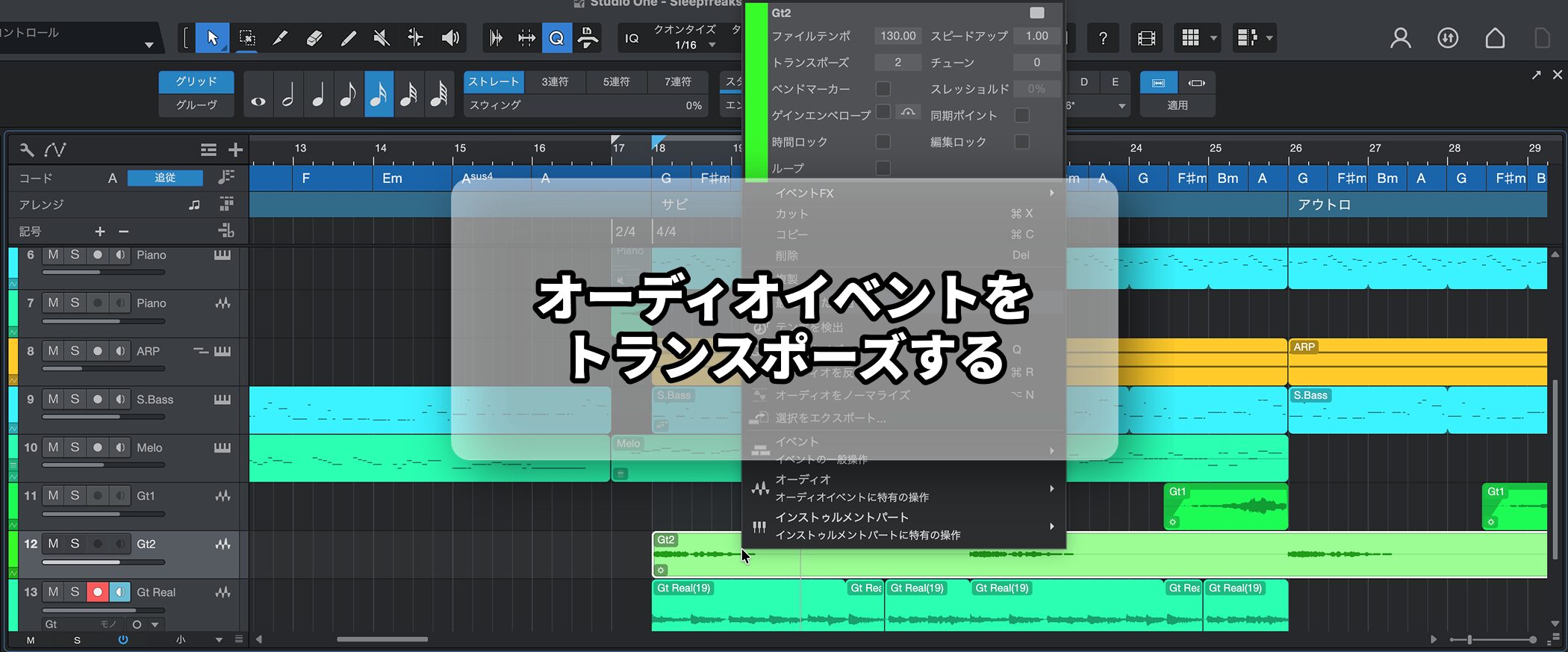
- You want to use audio material you like, but it doesn't match the song's key
- You prepared a backing track for vocal recording, but the key didn't suit the singer and had to be changed
Situations like these come up again and again during production.
Unlike MIDI, audio has the drawback that you cannot change its pitch casually.
The solution is the audio transpose feature.
Using this feature, you can solve the problems above.
How to Set Transpose
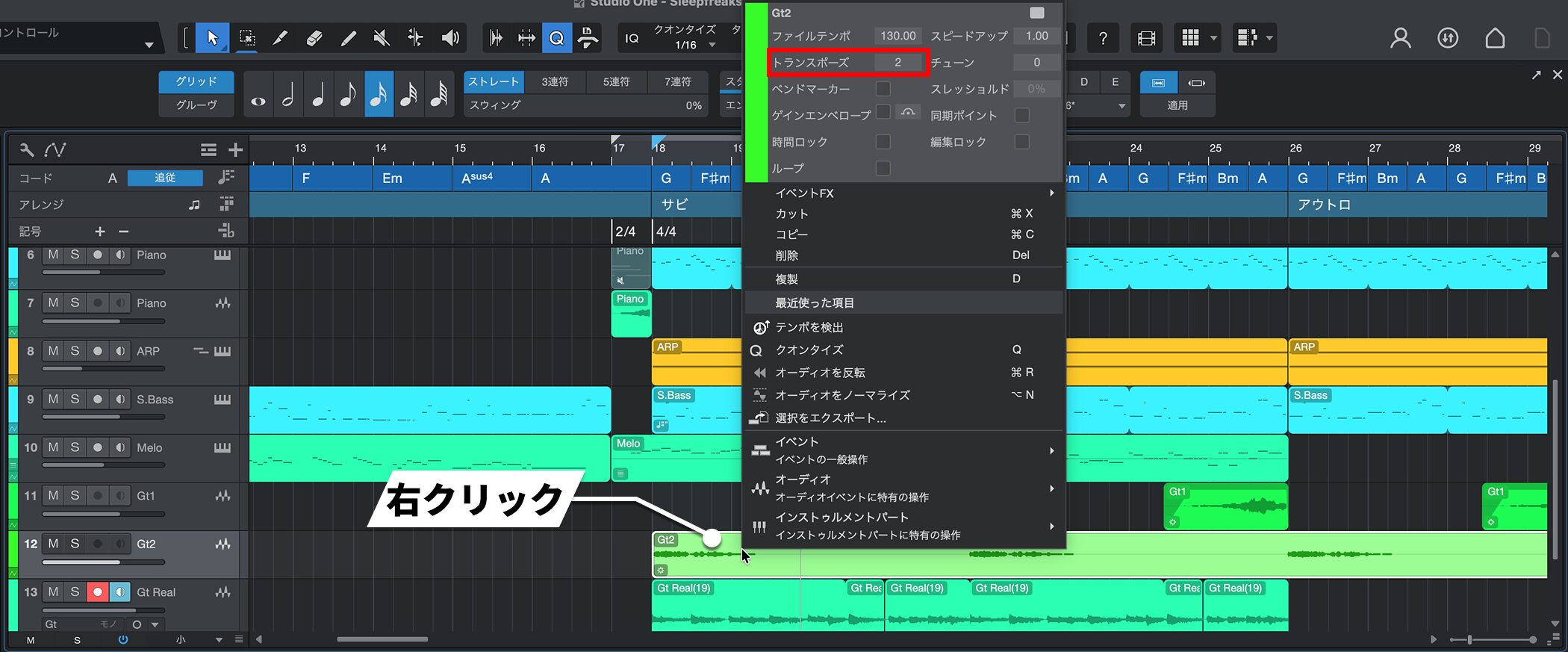
Right-click the event you want to transpose and change the "Transpose" value.
"+1" raises it by a semitone, and "-1" lowers it by a semitone.
You Can Transpose Each Event Separately
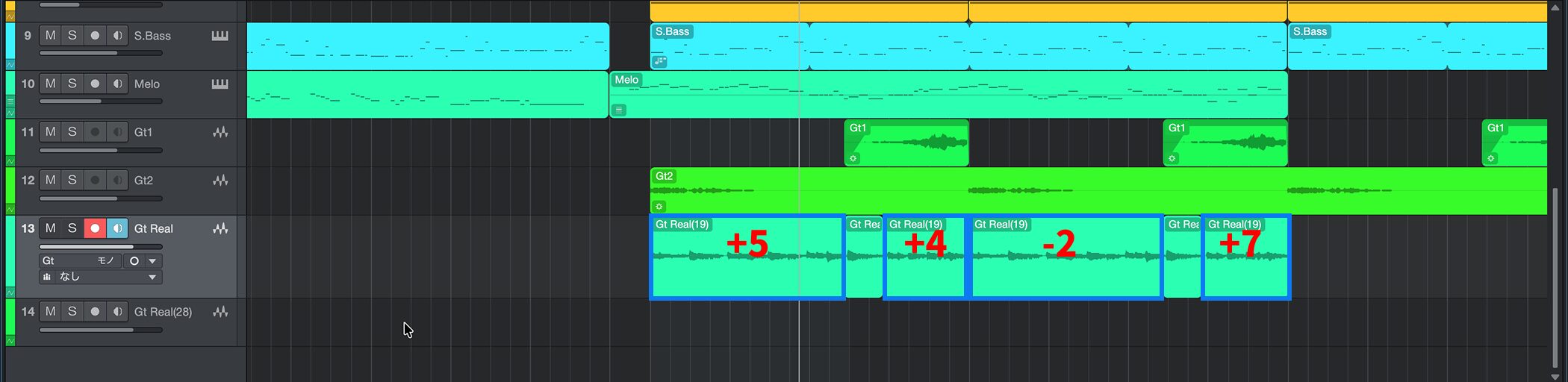
By splitting an event, you can set a different transpose value for each event.
This lets you adjust the key differently for each part, expanding your editing options.

Frequently asked questions
Q1. How do I change the pitch of audio in Studio One?
Right-click the audio event you want to transpose and change the "Transpose" value. "+1" raises it by a semitone and "-1" lowers it by a semitone. You can adjust it freely by entering a value.
Q2. Can I set different transpose values for multiple audio events?
Yes. By splitting an audio event, you can set a different transpose value for each event, so adjusting the key for each part is easy.
Q3. Is there a difference between transposing audio and changing the pitch of MIDI?
MIDI pitch can be changed casually, while audio has traditionally been harder to change. The transpose feature lets you adjust the pitch of audio as flexibly as MIDI.
NEW ARTICLES
Latest English Articles











