
Using Melodyne, the powerful pitch correction software included with Studio One, lets you give your vocal tracks a professional finish. This article covers everything step by step, from launching Melodyne and its basic operation to adjusting volume, correcting timing, the DNA feature, and even converting audio to MIDI. Pitch correction is not just about fixing mistakes; it is an important finishing step for improving the quality of the whole song, and a technique everyone from DTM beginners to experienced users should master.
Working with the Pitch Correction Software Melodyne
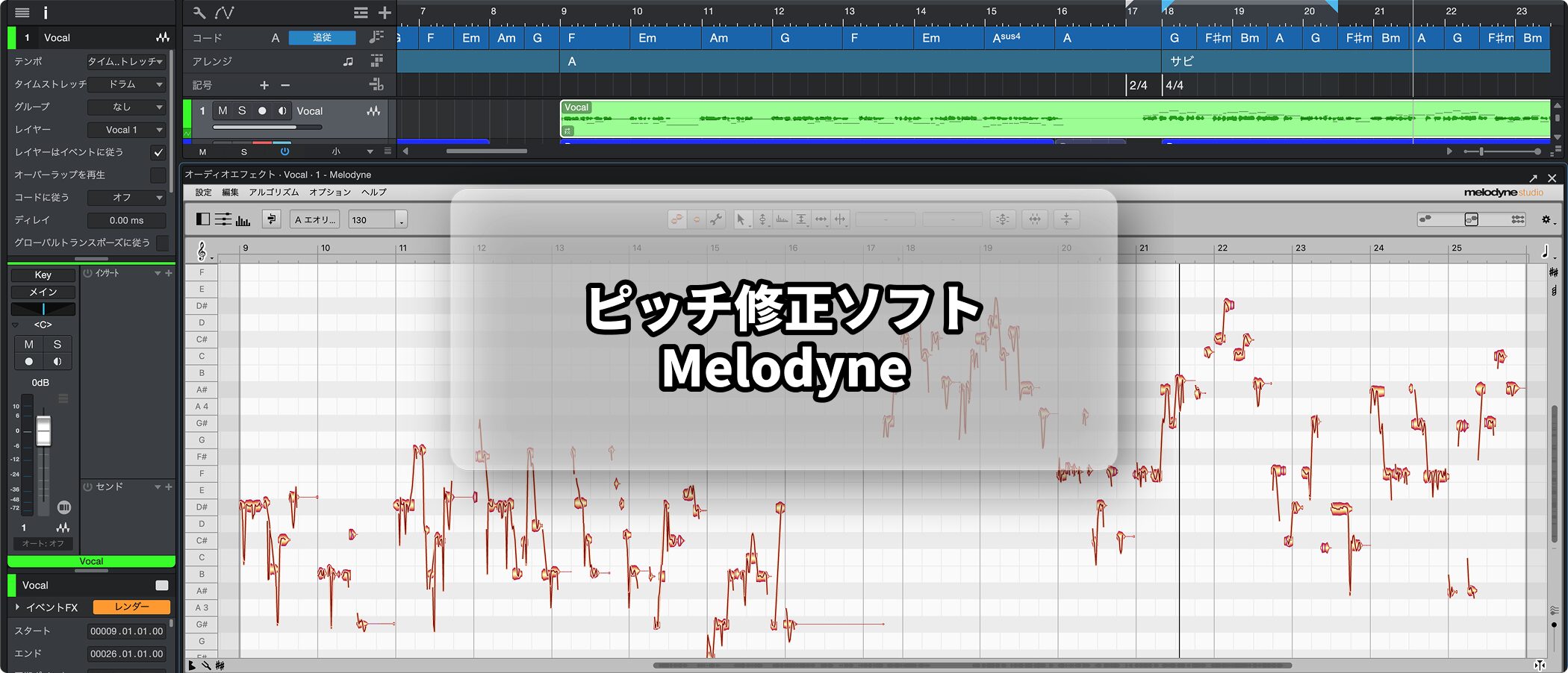
In professional settings, almost every vocal track receives pitch correction.
This is not a negative thing done because the singer is bad; it is a finishing step that makes the song sound better.
Studio One comes with a powerful pitch correction software called Melodyne.
For how to install and authorize the product, see the following article.

Launching Melodyne
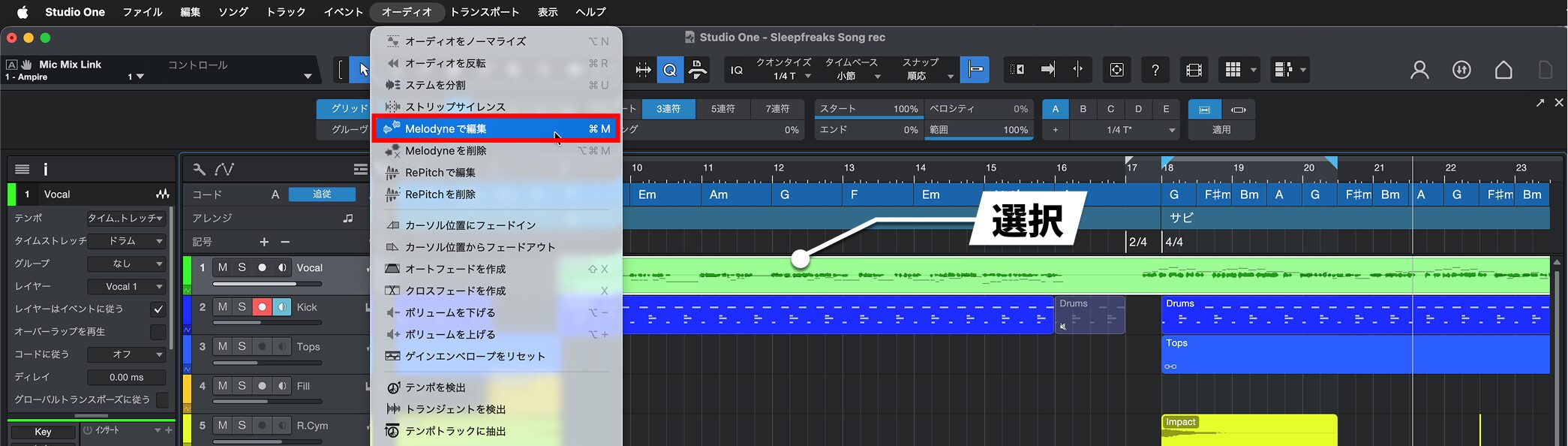
Select the audio event you want to correct, then choose "Audio" → "Edit with Melodyne" from the menu bar.
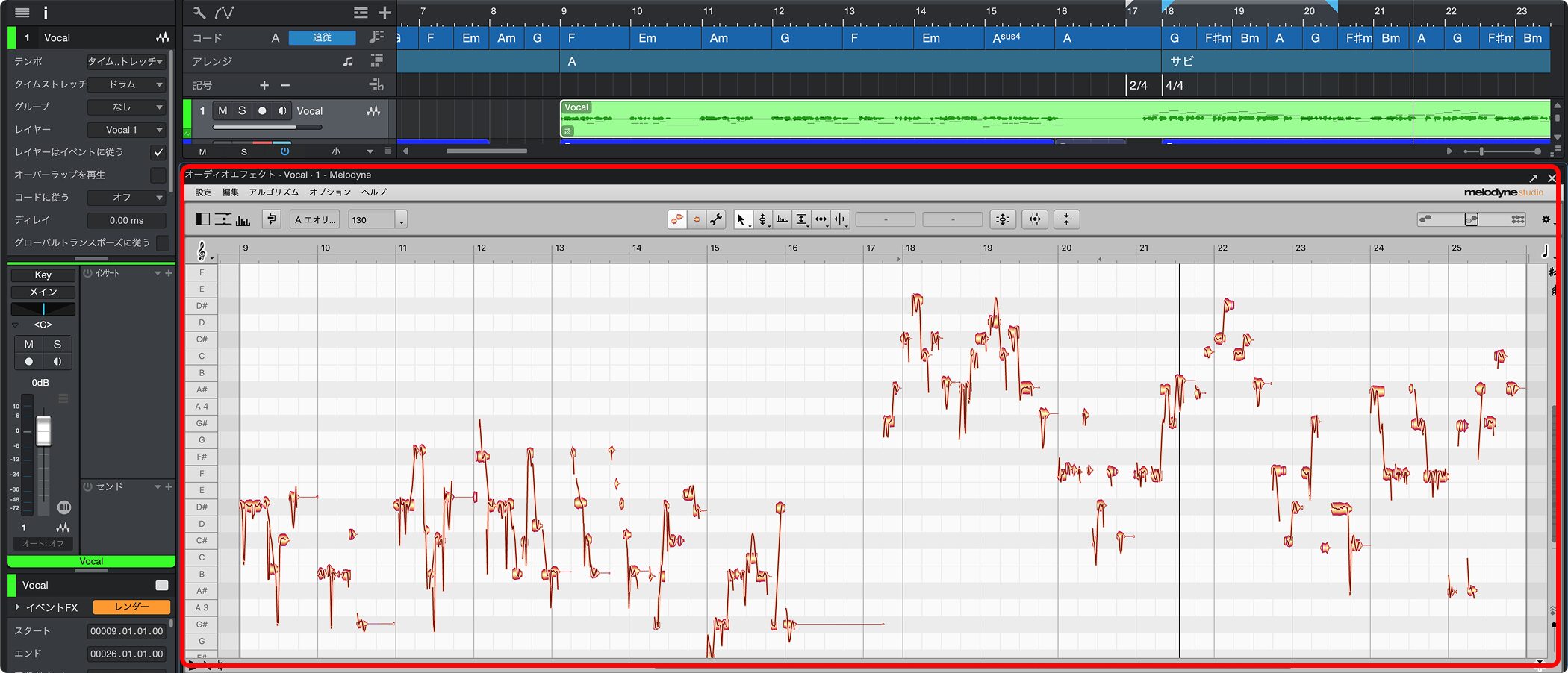
Melodyne launches, and you can start editing right away.
Video: How to Use Melodyne
Melodyne Editor 1_Basic Operation
Melodyne Editor 2_The Amplitude Tool and Separation Tool
Melodyne Editor 3_Modulation and Formants
Melodyne Editor 4_Correcting Timing
Melodyne Editor 5_The DNA Feature
Melodyne Editor 6_Converting Audio Files to MIDI

Frequently asked questions
Q1. Do I need to buy Melodyne separately for Studio One?
No. Melodyne is included with Studio One. You can use it once you have installed and authorized it.
Q2. Is pitch correction only for people who can't sing well?
No. In professional settings, it is a standard finishing step applied to almost every vocal track. It is a technique for making songs sound better.
Q3. Can Melodyne convert audio to MIDI?
Yes. Using Melodyne Editor's MIDI export, you can convert audio such as vocals into MIDI data.
Q4. When exactly is timing correction used?
It is used to fix timing drift in vocals and other audio tracks. You can learn how in "Melodyne Editor 4."
NEW ARTICLES
Latest English Articles











