
Track presets in Logic Pro greatly streamline DTM production. By saving the effects, software synths, and their settings you use often as presets, you can recreate them instantly on new tracks or in other songs. Managing presets for add-on instruments such as BFD3 is easy too, completely eliminating the effort of making the same settings by hand every time. It is an essential feature for anyone who wants to speed up their production workflow.
- Logic X
- Common to 8/9/X
Conveniently Managing Presets for Each Software Synth
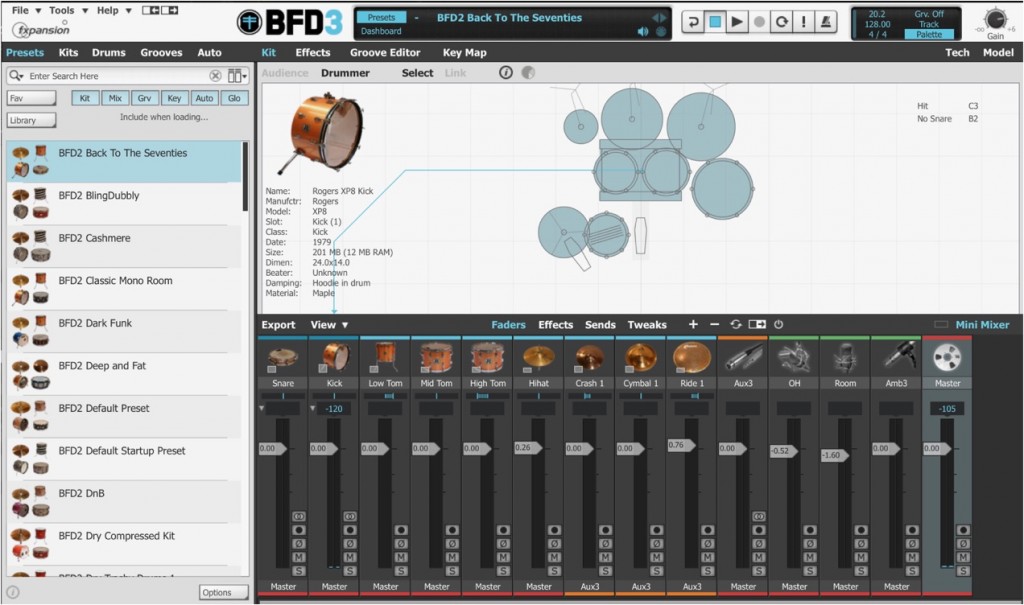
In Logic X, whether for included or add-on instruments,
you can save presets and recall them easily.
Here, we use the add-on drum instrument BFD3.

After crafting your sound, select "Save" in the "Library" area outlined in red.
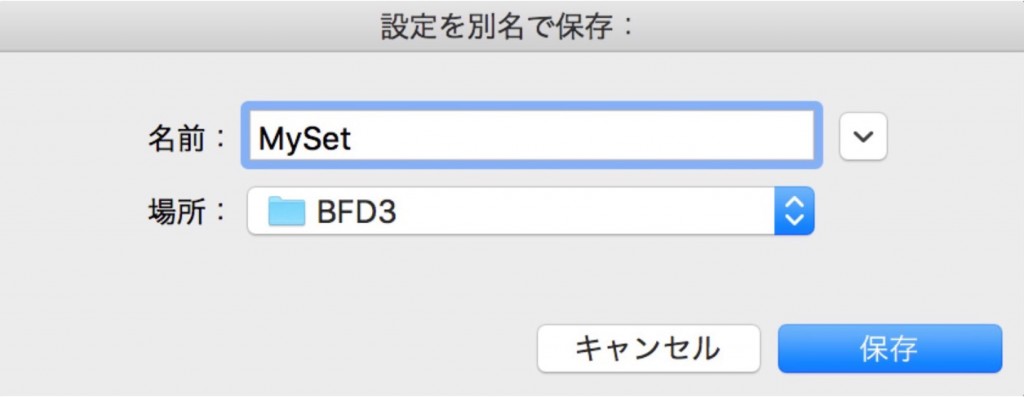
Enter any name and select "Save."

Now whenever you load BFD, this preset is shown,
and selecting it loads the preset automatically.
Instantly Recall Effect Settings and Software Synth Sounds
As you produce songs,
the effects, software synths, and settings you use often become fixed.
Setting them up every time is quite a chore.
What eliminates that effort is the track preset feature.
You can save the settings and sounds you use often and use them on other tracks or in other songs.
How to Save a Track Preset in Logic 8/9/X

↑ In the Inspector,
load the effects and software synths you use often.
Effect knob positions and software synth sounds are saved too.
After setting things up the way you like, click the area outlined in red.

↑ Select "Save as Performance" from the menu.

↑ Enter any name and press "OK."
Here, we use the name "MyPreset."
That's all it takes to save it.
Using Track Presets

↑ Create a new track and click the area outlined in red in the Inspector.

↑ Under "Performances" in the menu,
you will find the "MyPreset" you saved above. Click it.

↑ The track is fully recreated like this.
- Logic X
- Common to 8/9/X

Frequently asked questions
Q1. What is the difference between Logic Pro track presets and Sound Library presets?
Sound Library presets save the sound of a software synth on its own. Track presets, on the other hand, can save effect settings and other track settings together, so you can recall more complex sound setups all at once.
Q2. Can saved track presets be shared across multiple song projects?
Yes. Track presets saved in Logic Pro are shared across all projects. You can recall and use them freely in different projects.
Q3. Do track presets include the knob positions of effects?
Yes. All parameter settings and knob positions of effects, as well as software synth sounds, are saved, so you can recreate exactly the same state.
NEW ARTICLES
Latest English Articles











