
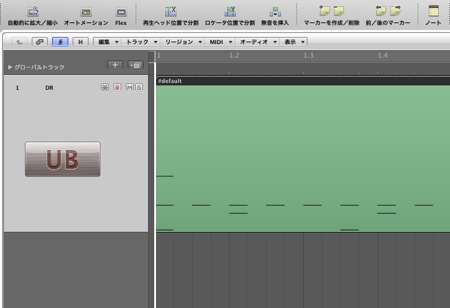
This article explains how to split drum MIDI by kit piece in Logic Pro. A drum track normally contains every kit sound in a single region, so you cannot adjust the volume, pan, or effects of each kit piece individually when mixing. By splitting the MIDI region with the "Separate by Note Pitch" function, you can export each kit piece as a separate audio file, greatly increasing your freedom when mixing. It covers the procedure for both Logic X and Logic 8/9, offering practical workflow improvements for DTM beginners and experienced users alike.
Why Split by Kit Piece
When mixing a song, it is common to convert MIDI programming to audio first.
What causes trouble at that point is the drum track.
In normal programming, all the kit pieces are in a single region, as shown in the image below.
As a result, all the kit sounds are exported as a single audio file.
Here is a convenient way to solve this.
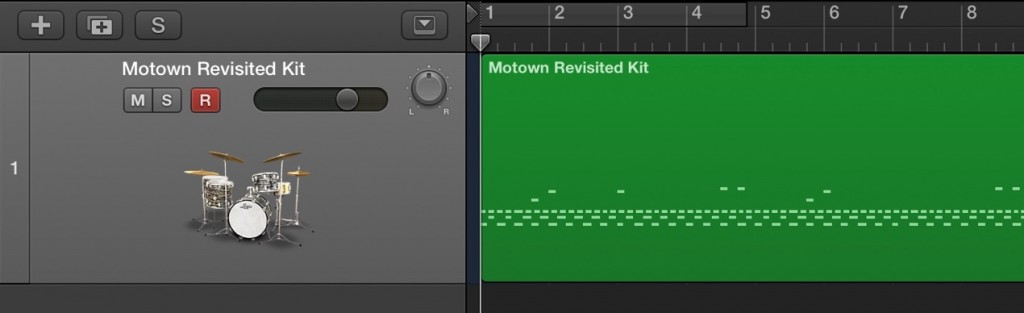
↑ To adjust the volume, pan, effects, and so on of each kit piece,
you need to convert each one into a separate audio file.
- Logic X
- Logic 8/9
Logic: How to Split a MIDI Region
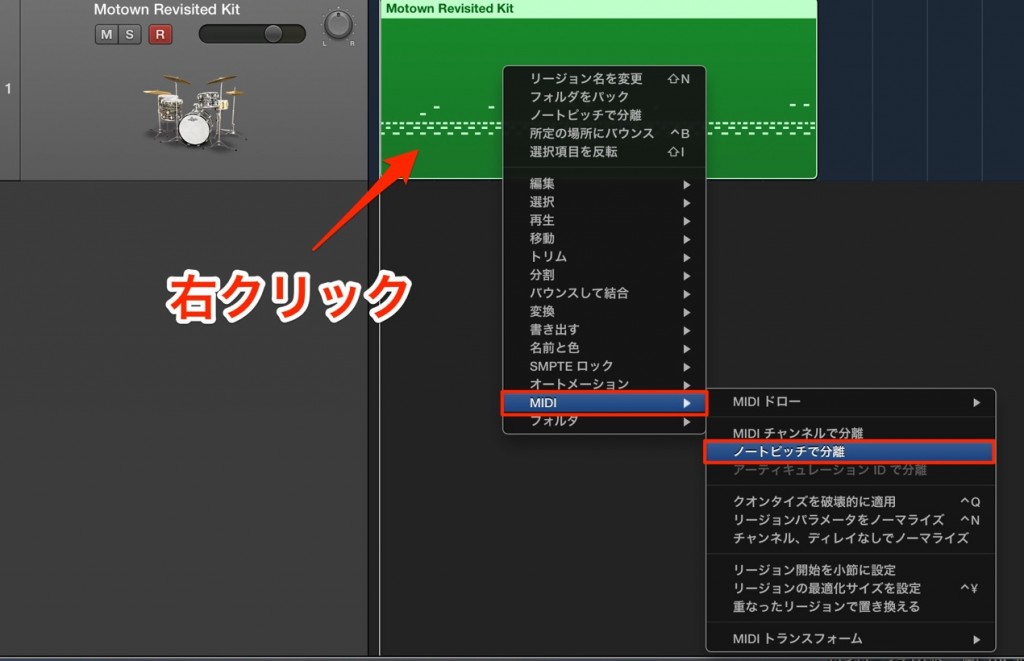
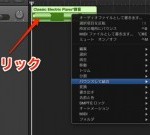
Right-click the region you want to split
and choose "MIDI" → "Separate by Note Pitch."
That is all.
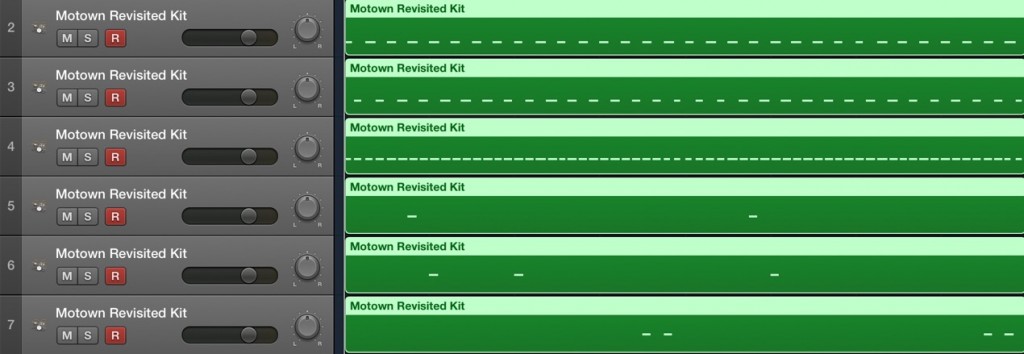
The MIDI has been split into separate regions for each kit piece.
All that is left is to convert each one to audio.
Logic: How to Split a MIDI Region
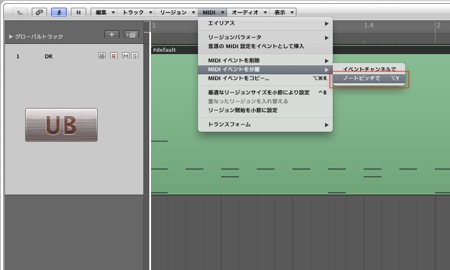
↑ Select the region you want to split,
then choose "MIDI" → "Separate MIDI Events" → "By Note Pitch" from the menu.
That is all.
Result

The MIDI has been split into separate regions for each kit piece.
All that is left is to convert each one to audio.
- Logic X
- Logic 8/9

Frequently asked questions
Q1. Why split drum MIDI by kit piece in Logic Pro?
Splitting each drum kit piece (kick, snare, hi-hat, and so on) into individual audio files lets you adjust the volume, pan, and effects of each piece independently when mixing, enabling a more precise and flexible mixdown.
Q2. How do I use "Separate by Note Pitch"?
Simply right-click the MIDI region you want to split and choose "MIDI" → "Separate by Note Pitch" from the menu. The menu wording may differ slightly between Logic X and Logic 8/9, but the basic operation is the same.
Q3. What is the workflow after splitting the MIDI?
Convert each MIDI region split by kit piece to audio. Then apply volume adjustments and effects to each audio track independently to complete the final mix.
NEW ARTICLES
Latest English Articles











