
Match EQ, included with Logic Pro, is an equalizer that analyzes the frequency response of commercial releases and applies it to your own song. It addresses a common wish among DTM users, getting closer to the sound of artists they admire: just drag and drop a reference song to load it, play your own song with the Learn function, and EQ processing is applied automatically. Even without knowledge of complex frequency adjustment, you can get closer to professional sound quality, making it a powerful tool for everyone from mixing beginners to advanced users.
Extracting the Frequency Profile of Commercial Releases
Match EQ, included with Logic,
is an equalizer that can detect and extract the frequency profile of any song you choose.
Using it on a song you have mixed can produce some very interesting results.
How to Use Logic Match EQ

Insert Match EQ on the Stereo Out of your mixed song.

Drag and drop the song you want to use as a reference onto "Learn."
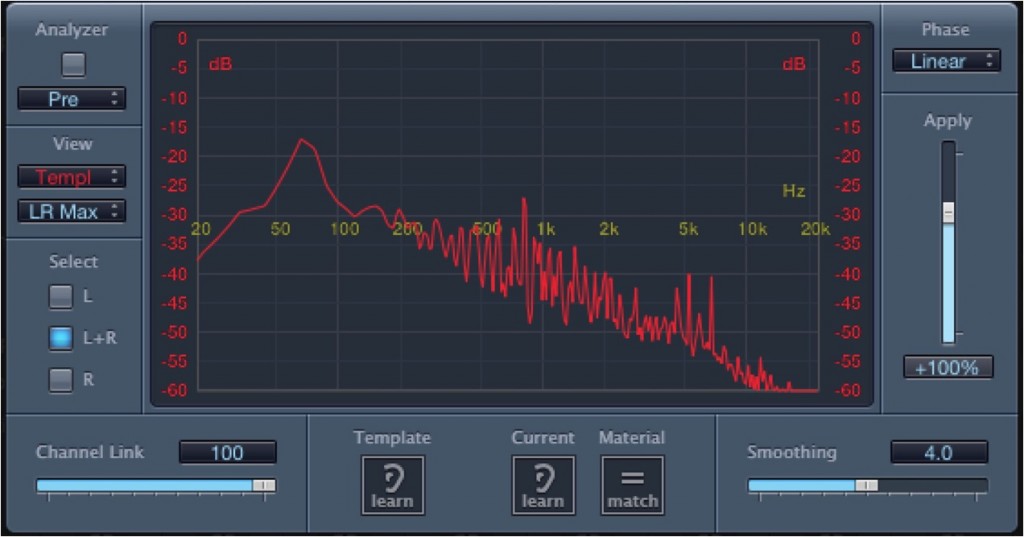
It has been analyzed like this.
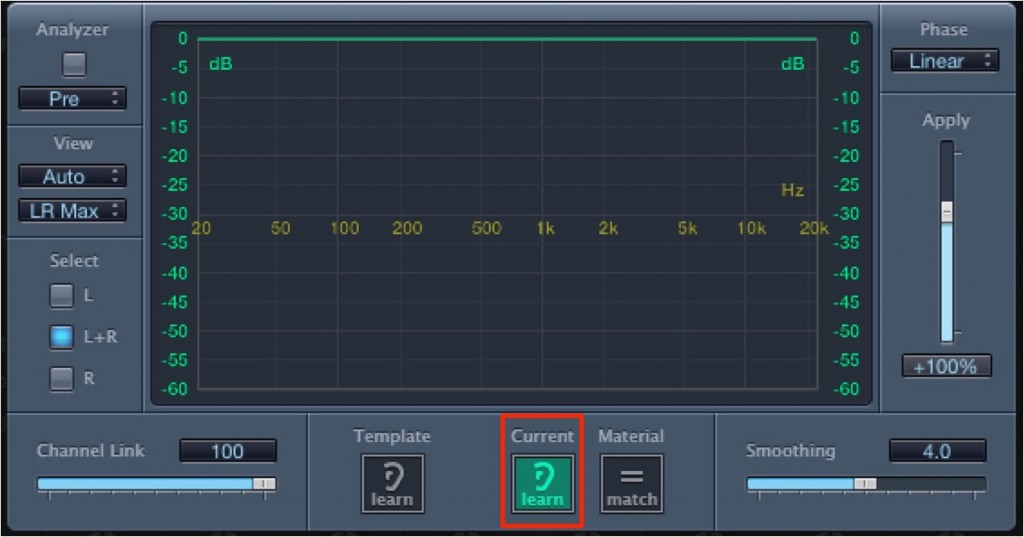
Click "Learn" for "Current," outlined in red,
and play your own song normally from beginning to end.
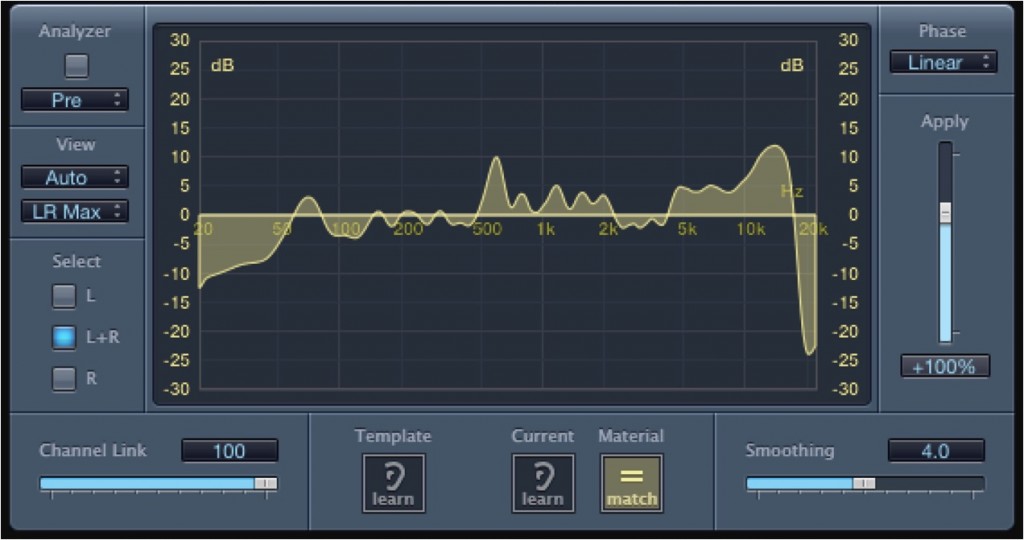
Select "Match," outlined in red.
EQ processing based on the reference song is now applied.

Frequently asked questions
Q1. What kinds of material can Match EQ be used on?
It works with vocals, instruments, finished songs, and music of any genre. Because it extracts and applies the frequency response of commercial releases you want to reference, choosing a professional song close to your own genre gives more effective results.
Q2. Is there anything to watch out for when using Match EQ?
Choosing the reference song is important. Choosing a work in the same genre and style as your own song gives more natural, practical EQ settings. Treat the result as a reference rather than an exact copy, and we recommend adjusting it manually as needed.
Q3. What is the difference between Match EQ and FabFilter Pro-Q 2?
Match EQ is a basic feature included with Logic Pro that specializes in analyzing a reference song and applying it automatically. Pro-Q 2, on the other hand, is a high-performance third-party plugin with more advanced EQ features such as linear phase and M/S processing.
NEW ARTICLES
Latest English Articles











