
In DTM, adjusting software synth parameters is mostly done with the mouse, which takes effort. But by assigning software synth knobs to a MIDI controller, you can shape sounds intuitively with physical knobs. In Logic Pro, you can assign them easily with Command+L, and combined with automation, you can also record dynamic changes in sound during the song. This method greatly improves your efficiency and enables more expressive sound design.
Intuitive Control
Software synths are essential for DTM,
but some people find them hard to use because every setting is done with the mouse.
In that case, assign the software synth's knobs to a MIDI controller.
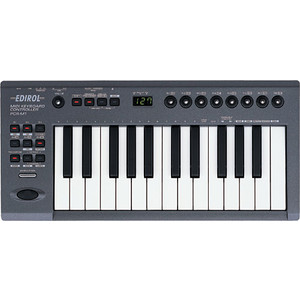
This lets you set the software synth's knobs from your MIDI controller,
for even more intuitive sound design.
- Logic X
- Logic 8/9
How to Assign in Logic X
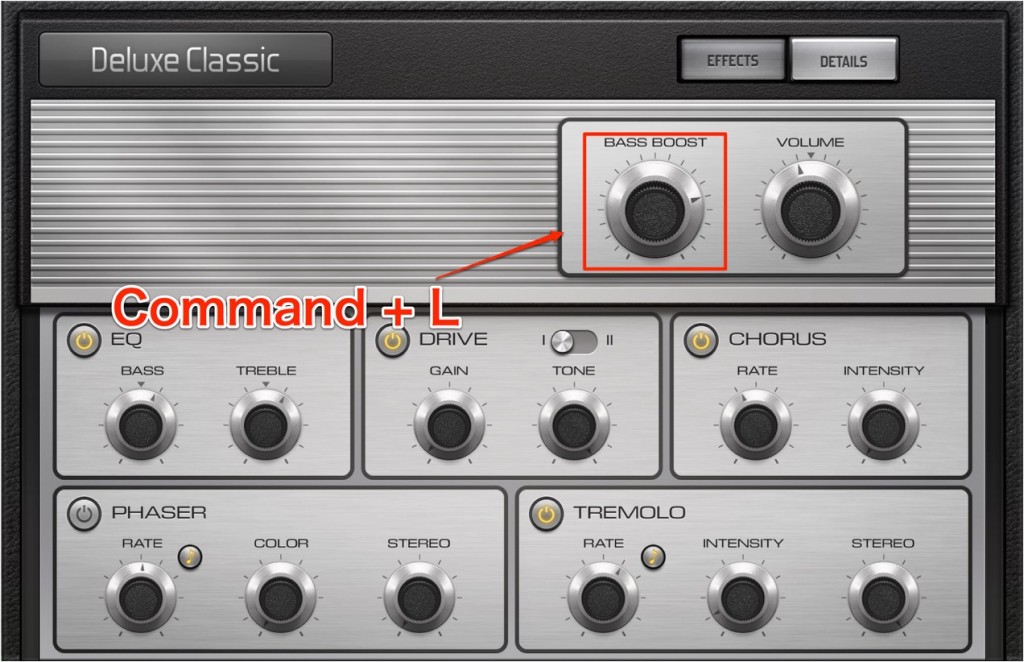
Click the knob you want on the software synth
and press "Command + L".
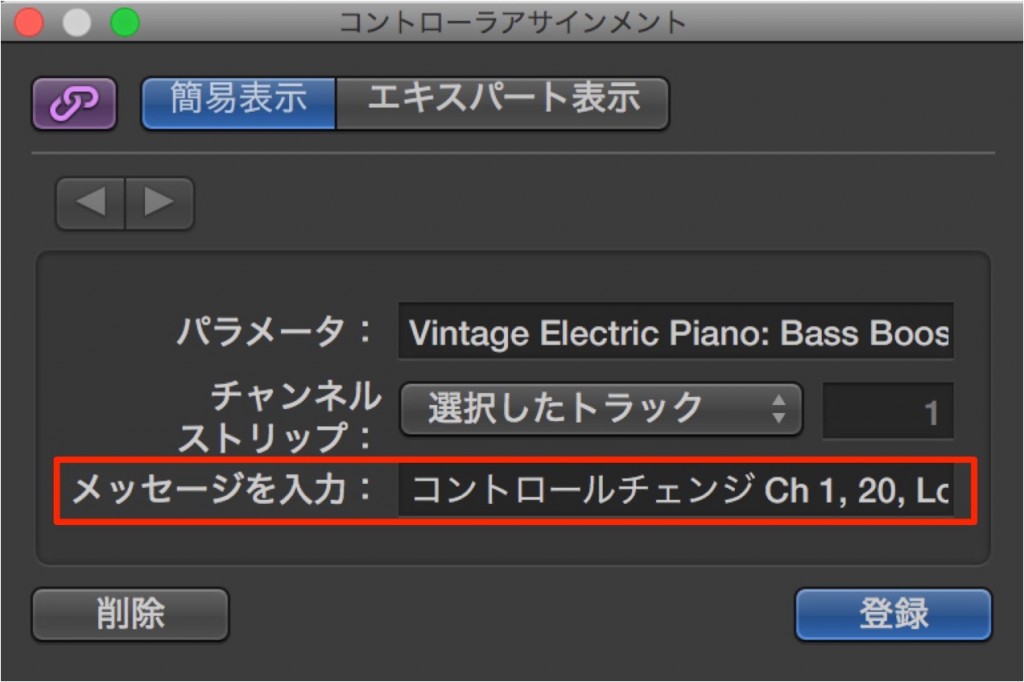
A screen like this appears.
When you move the controller knob you want (on the hardware),
the controller's name appears in the area outlined in red.
Click "Learn" (register).
Operations on the controller are now linked to the software synth.
To delete an assignment, just select "Delete" from the menu above.
You can also control knobs with Smart Controls.
How to Assign in Logic 8/9

↑ Click the knob you want on the software synth
and press "Command + L".

↑ A screen like this appears.
When you move the controller knob you want (on the hardware),
the controller's name appears in the area outlined in red.
Click "Learn" (register).
Operations on the controller are now linked to the software synth.
To delete an assignment, just select "Delete" from the menu above.
- Logic X
- Logic 8/9
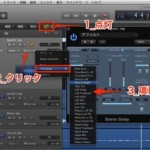
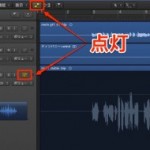
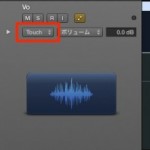
You can also record the controller's movements with automation.
For details, see the following.
Automating Plugin Knobs
Using Automation

Frequently asked questions
Q1. How do I assign MIDI controller knobs to a software synth in Logic Pro?
Click the knob you want to set on the software synth, then press Command+L. In the window that appears, move the MIDI controller's knob, and when the controller's name appears, click "Learn" to finish.
Q2. Can I delete an assignment I have made?
Yes. Just select "Delete" from the window opened with Command+L to remove the assignment easily. This is handy when trying out several controller setups.
Q3. Can I record software synth knob movements with automation?
Yes. Using Logic Pro's automation, you can record your MIDI controller knob moves as data that changes automatically during the song, so the parameters change automatically on playback.
NEW ARTICLES
Latest English Articles











