
This is a practical explanation of how to change the pitch of an audio track in FL Studio. Unlike MIDI, an audio waveform has a fixed pitch, but if you want to match it to your song's key, you can easily transpose it with the PITCH knob in the Channel Rack. Fine adjustments in cents (1/100 of a semitone) are possible, making it an essential technique for producers who want to remix or arrange without changing the original tempo or key. Combined with pitch bends and chord progressions, it expands your expressive options in genres such as EDM, drum and bass and R&B.
Change the Pitch of Audio Files to Fit Your Song
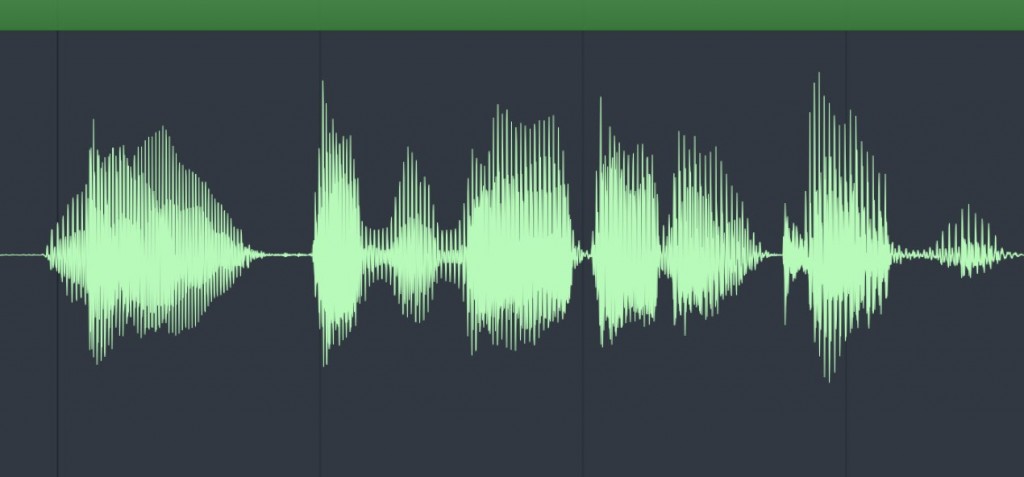
Unlike MIDI, audio waveforms have fixed pitch and rhythm.
Being able to do waveform-specific edits is great, but in some cases you'll want to change the pitch.
Here, we explain the simplest way to change the pitch of audio (transpose).
How to Change the Pitch
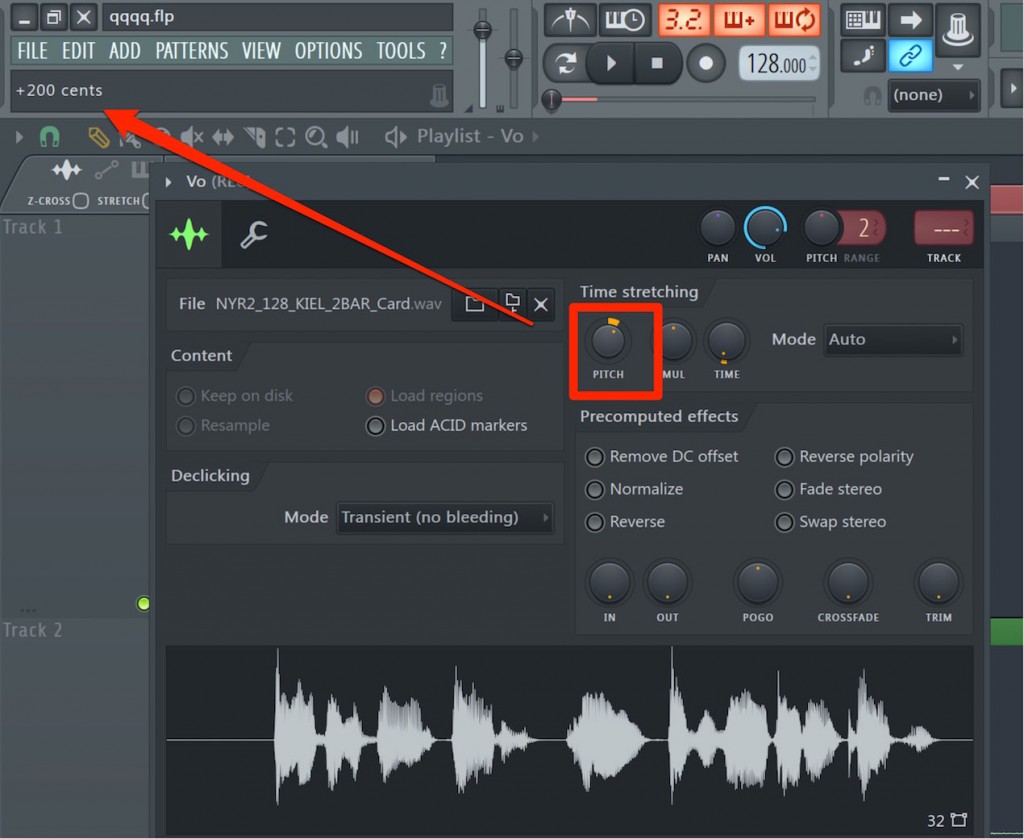
Open the channel of the audio you want to repitch from the Channel Rack,
and move the "PITCH" knob up or down to change the pitch.
It can be set in "cents (1/100 of a semitone)", and the changed value is displayed in the hint panel at the upper left of the window.
Semitones and Cents Explained

Frequently Asked Questions
Q1. Does changing the pitch of audio in FL Studio degrade the sound quality?
Changing the pitch with the PITCH knob may cause slight changes in sound quality. Small changes (around ±50 cents) are practical. If a large change is needed, consider using the time stretch function as well.
Q2. What is the difference between a cent and a semitone?
One semitone (half step) is 100 cents. A cent is a finer unit suited to fine pitch adjustments. FL Studio lets you set values in both units, and the value is displayed in the hint panel.
Q3. Is there a difference between transposing audio and MIDI?
MIDI can be repitched flexibly as note information, but audio processes the waveform itself, so the methods are more limited. Audio is adjusted with the PITCH knob or plug-ins, which is less convenient than MIDI.
NEW ARTICLES
Latest English Articles











