
The eLicenser error that appears when launching Cubase is caused by a malfunction in the license management tool. To solve this problem, download the latest eLicenser Control Center from the official support site, reinstall it and run the maintenance function to repair it. This method resolves most cases where an eLicenser error prevents Cubase from launching, letting you use Cubase normally again. License-related trouble can be fatal to music production, so knowing how to deal with it is essential for a stable production environment.
Fixing the eLicenser Error Displayed at Launch

The error message above suddenly appears when launching Cubase.
Because of it, Cubase can no longer be launched.
This time, we explain how to fix this eLicenser error.
Reinstall eLicenser Control
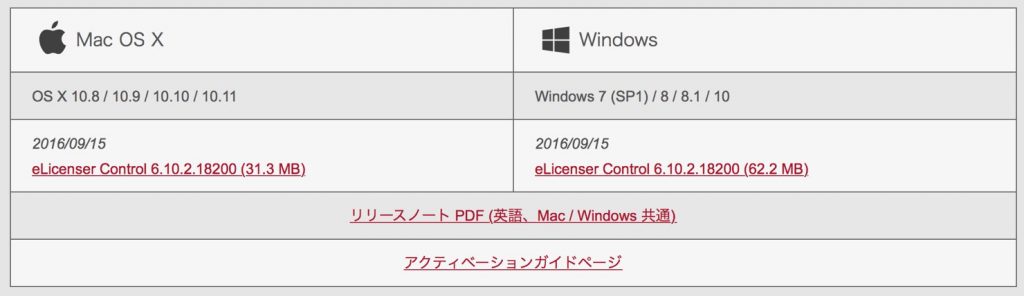
First, go to the support URL below
and download the latest eLicenser Control Center.
http://japan.steinberg.net/jp/support/downloads/elcc.html
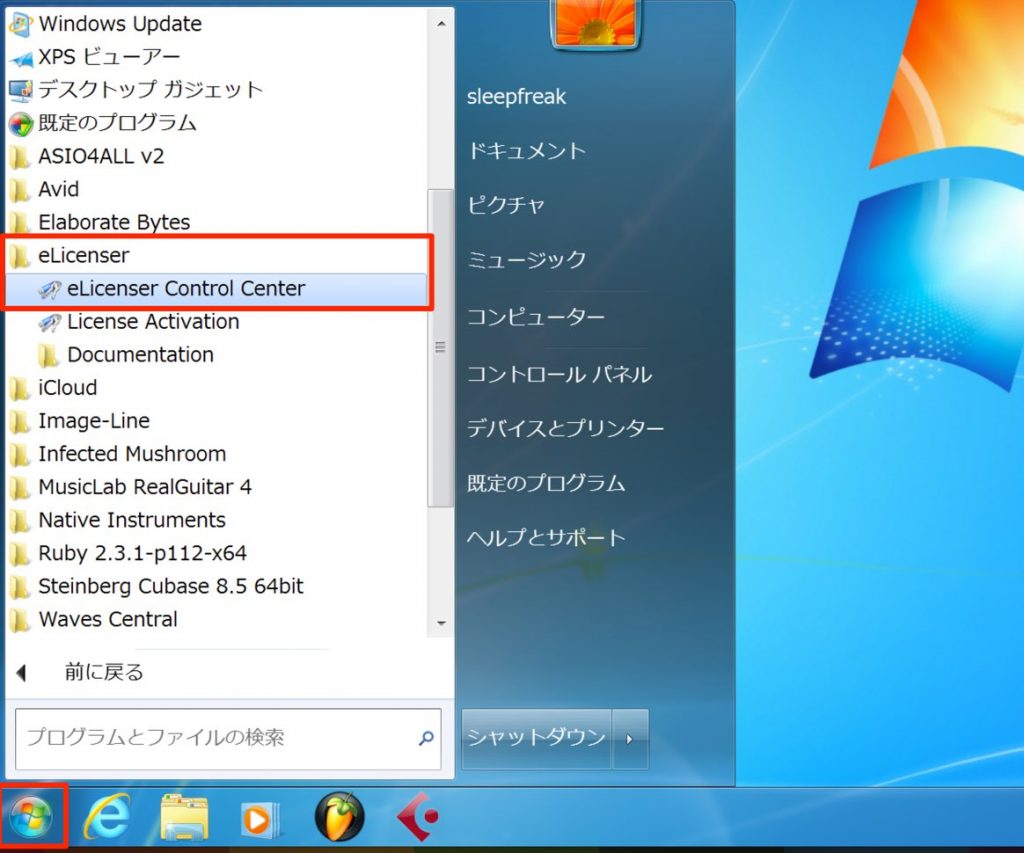
Then install the downloaded file.
Next, launch eLicenser Control.

Run "Maintenance" from eLicenser Control.
This should successfully repair things so that Cubase can launch.
Frequently Asked Questions
Q1. Is there any other way to deal with the eLicenser error?
Since the eLicenser error is directly caused by a malfunction in the license authorization system, it is difficult to deal with by other means. Reinstalling the official eLicenser Control Center and running maintenance is the most reliable solution.
Q2. Do I have to uninstall eLicenser Control Center when reinstalling it?
To ensure a complete repair, we recommend uninstalling the old version before installing the latest one. This resets the settings and reliably removes the corrupted data that was causing the error.
Q3. What should I do if the error isn't resolved even after running maintenance?
In that case, we recommend resetting Cubase's preference files or contacting Steinberg's official support. There may be a more serious system-level problem.
NEW ARTICLES
Latest English Articles











