
From Cubase 12 onward, the USB key (eLicenser) was discontinued, and one account can now be used on up to three computers. However, the license can come off during updates or right after logging in, and an error saying it cannot be activated because of the computer limit may appear. To solve this problem, use the "deactivate licenses on computers you can no longer use" function on Steinberg's official page to release the licenses of computers you are not using, and you will be able to activate again on a new device.
Release the Licenses of Computers You Are Not Using

From Cubase 12, the USB key (eLicenser) for license activation was discontinued, greatly improving convenience.
Being able to use Cubase on up to three computers per account is another welcome point.
However, there were several occasions when the license came off a computer because of things like "updating Cubase" or "logging in to the account again."
You try to activate the license again, but a message saying it cannot be activated because of the computer limit appears...
Here, we explain how to resolve this.
Deactivating a Computer's License
First, go to this page.
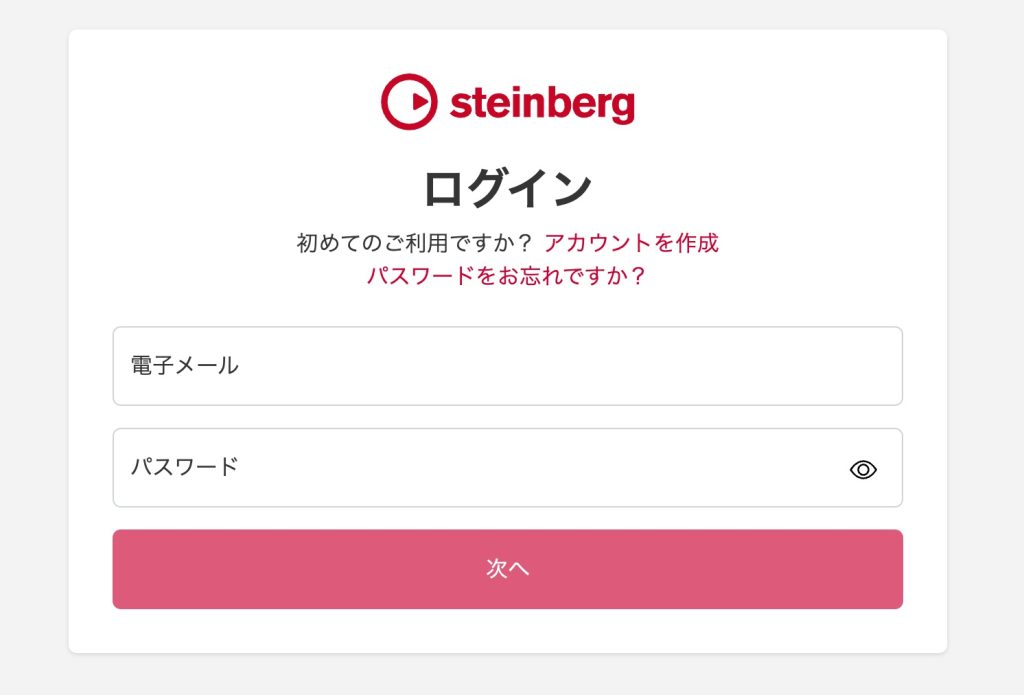
If you are not logged in, log in to your Steinberg account.
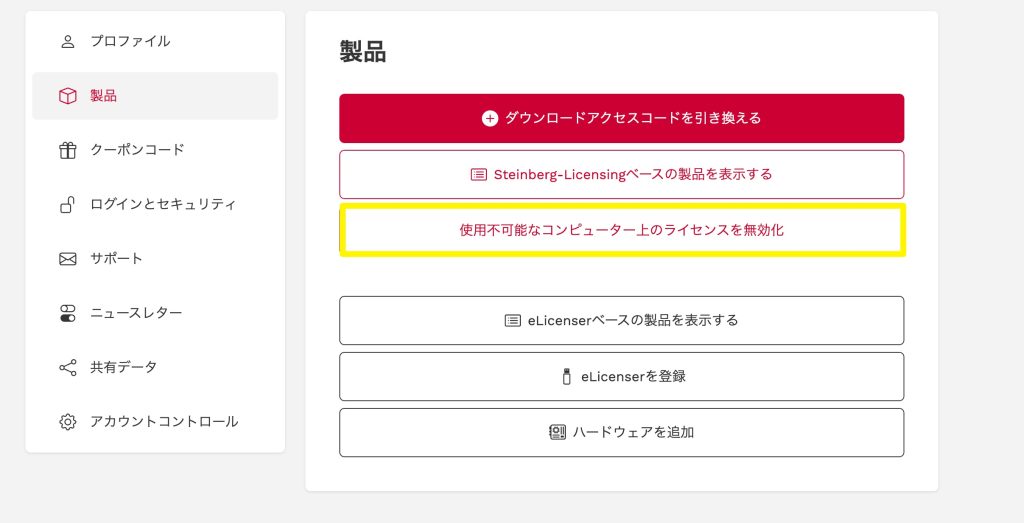
Select the option to deactivate licenses on computers you can no longer use.
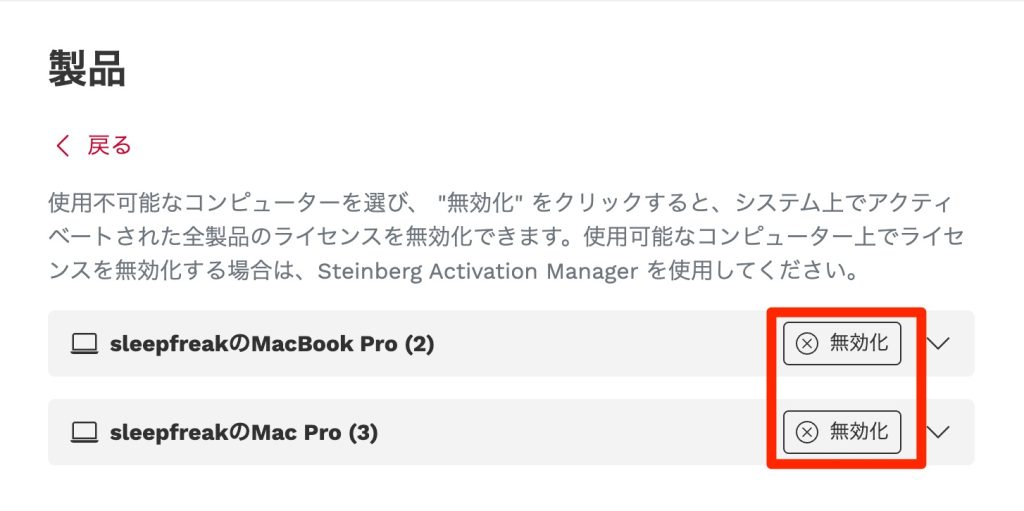
Set the computers on which you do not use Cubase to "Deactivate".
If you do not know the computer names or are not sure, one option is to deactivate all computers and then activate again on the computers you need.
This restores the license limit, and you can activate Cubase.
Frequently Asked Questions
Q1. What should I do when the "computer limit" error prevents me from activating my Cubase license?
Log in to your Steinberg account and use the function on the official page for deactivating licenses on computers you can no longer use. Releasing the licenses of unneeded computers allows activation on a new device.
Q2. What changed from Cubase 12?
From Cubase 12, the traditional USB key (eLicenser) was discontinued and activation became account-based over the internet. You can use Cubase on up to three computers per account.
Q3. What should I do if I don't know which computers are in use?
We recommend deactivating the licenses on all computers and then activating again on the computers you actually use. With this method, there is no worry about removing the wrong device.
NEW ARTICLES
Latest English Articles











