
Studio One's folder track feature is a handy way to visually organize the growing number of tracks in a production. Grouping several tracks into a folder not only tidies up the screen but also lets you change their audio output at once and solo or mute them as a folder. Especially when working with many instruments, such as a multitrack drum kit, it makes track management more efficient and reduces stress, giving you a more comfortable and productive DTM environment.
Group Tracks Visually and Keep Things Tidy: Studio One's Folder Tracks
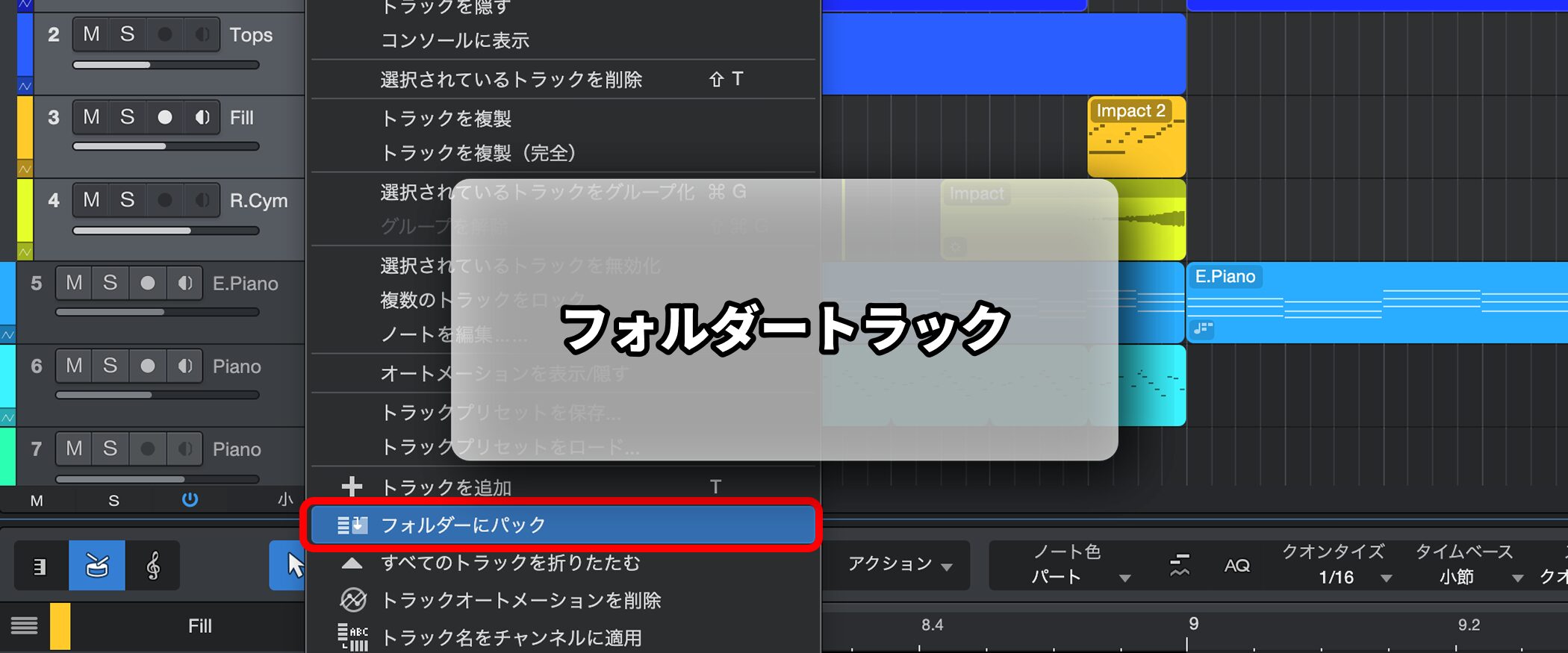
When producing songs with many instruments, two things inevitably grow: your fatigue and your track count.
If you handle drums piece by piece in particular, you end up with quite a lot of tracks.
That is where folder tracks come in handy.
They let you store tracks just like folders on your computer.
The benefits of folder tracks include the following:
- A tidier view.
- You can change the audio output for all of them at once.
- By soloing or muting the folder track itself, you can manage the tracks inside together.
Folder Track Video
*The explanation starts at 5:20.
How to Set Up a Folder Track
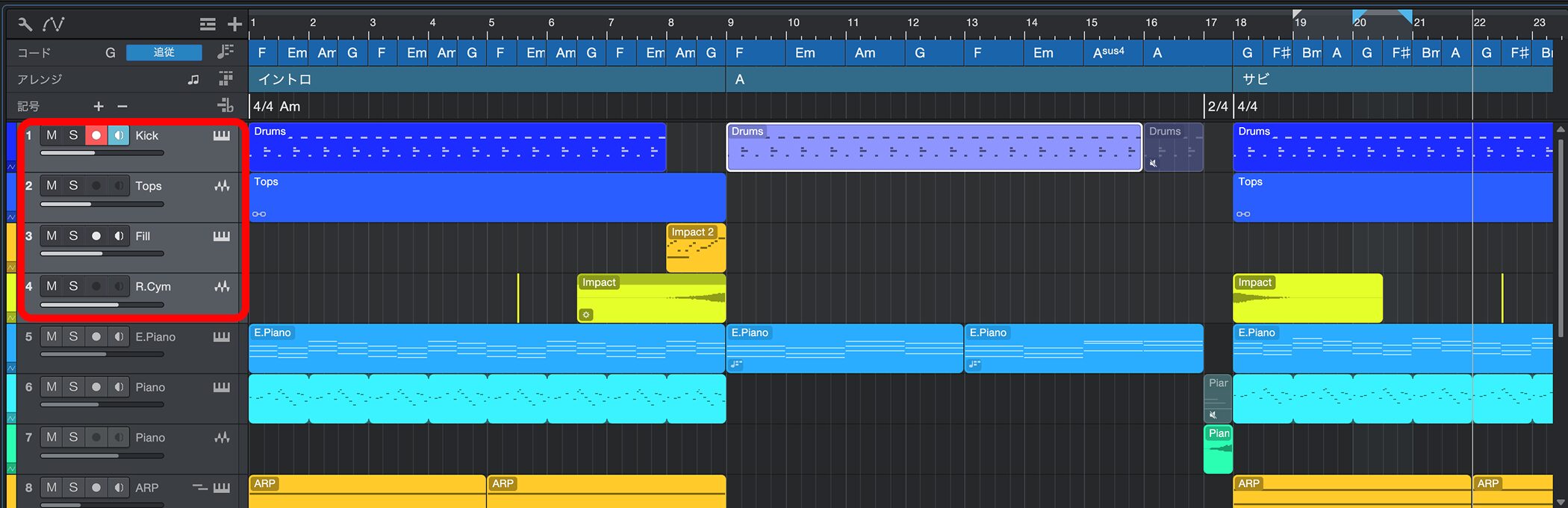
Select the tracks you want to group into a folder.
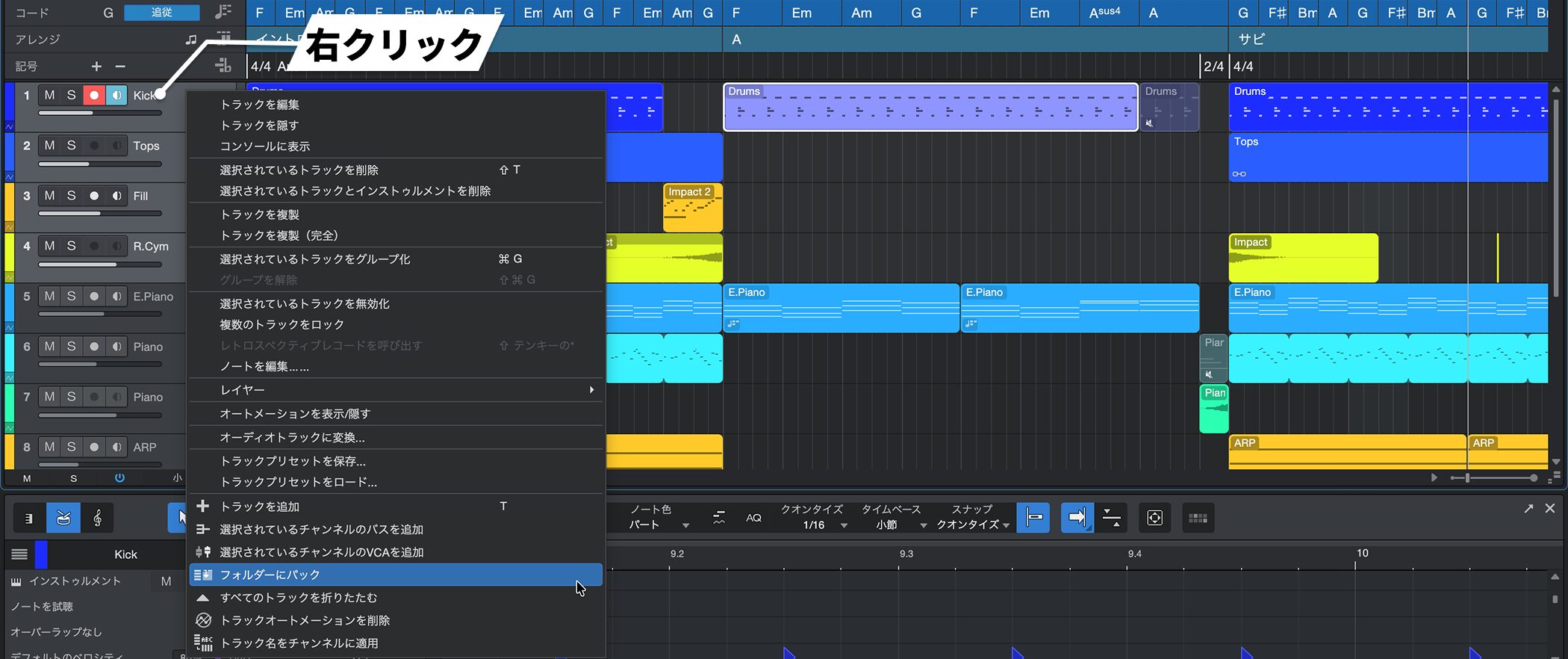
Right-click on the selected tracks and choose "Pack Folder" from the menu.
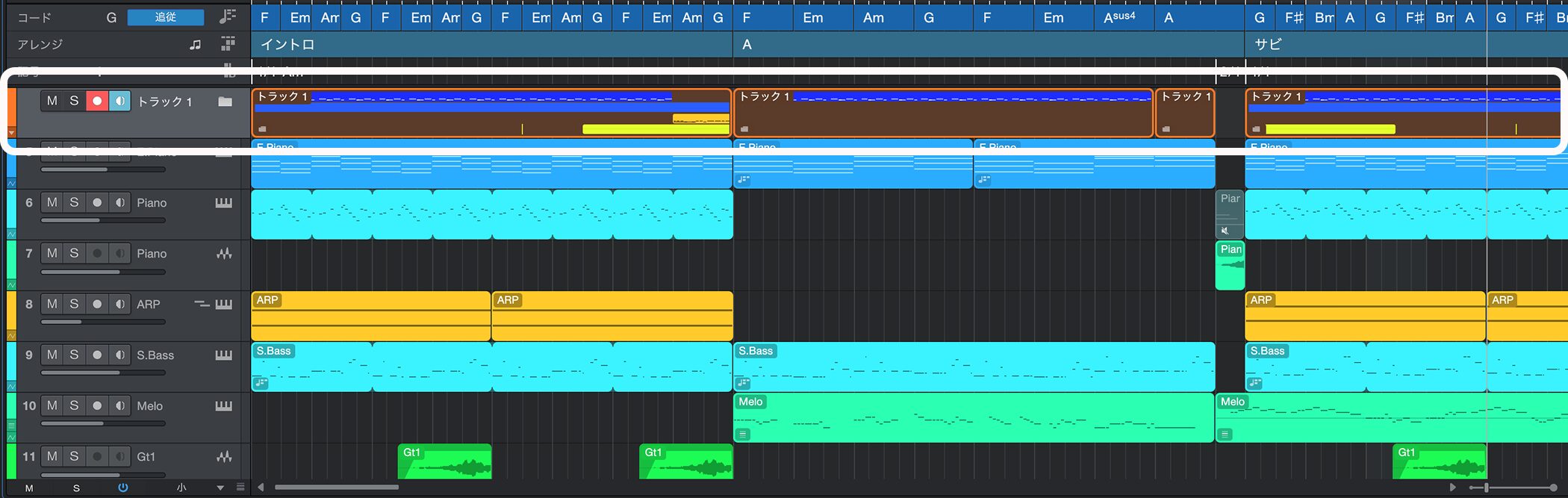
The tracks are now grouped in a folder. You can also mute and solo per folder track.
Adding Tracks to and Removing Them from a Folder Track
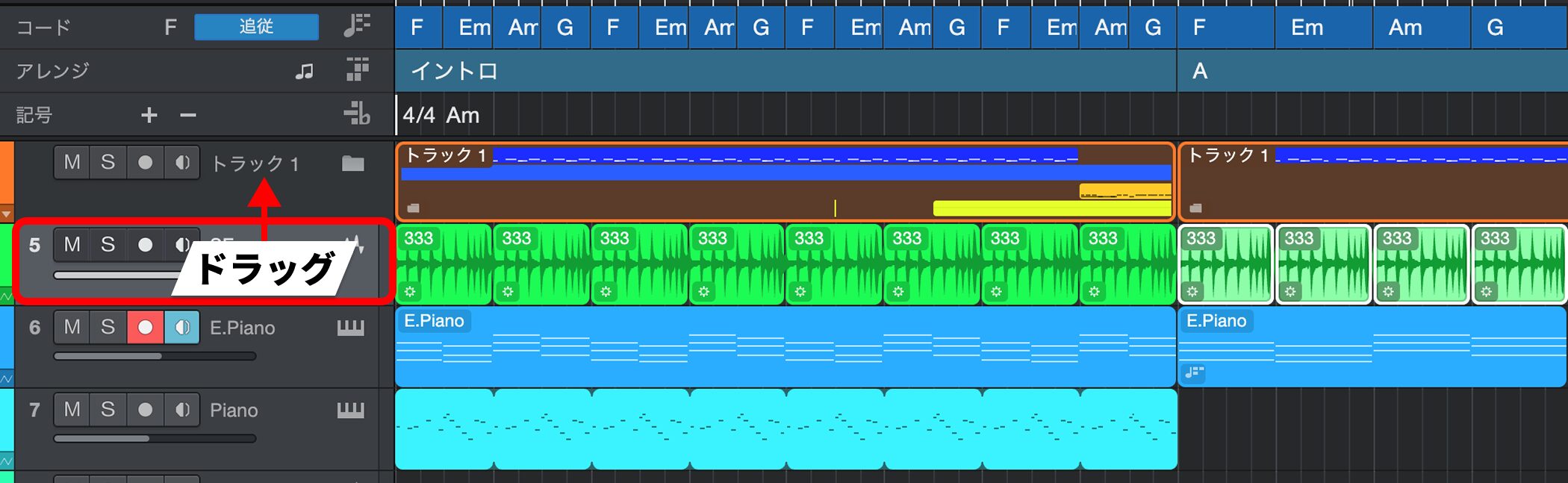
Drag the track you want to add onto the folder track.
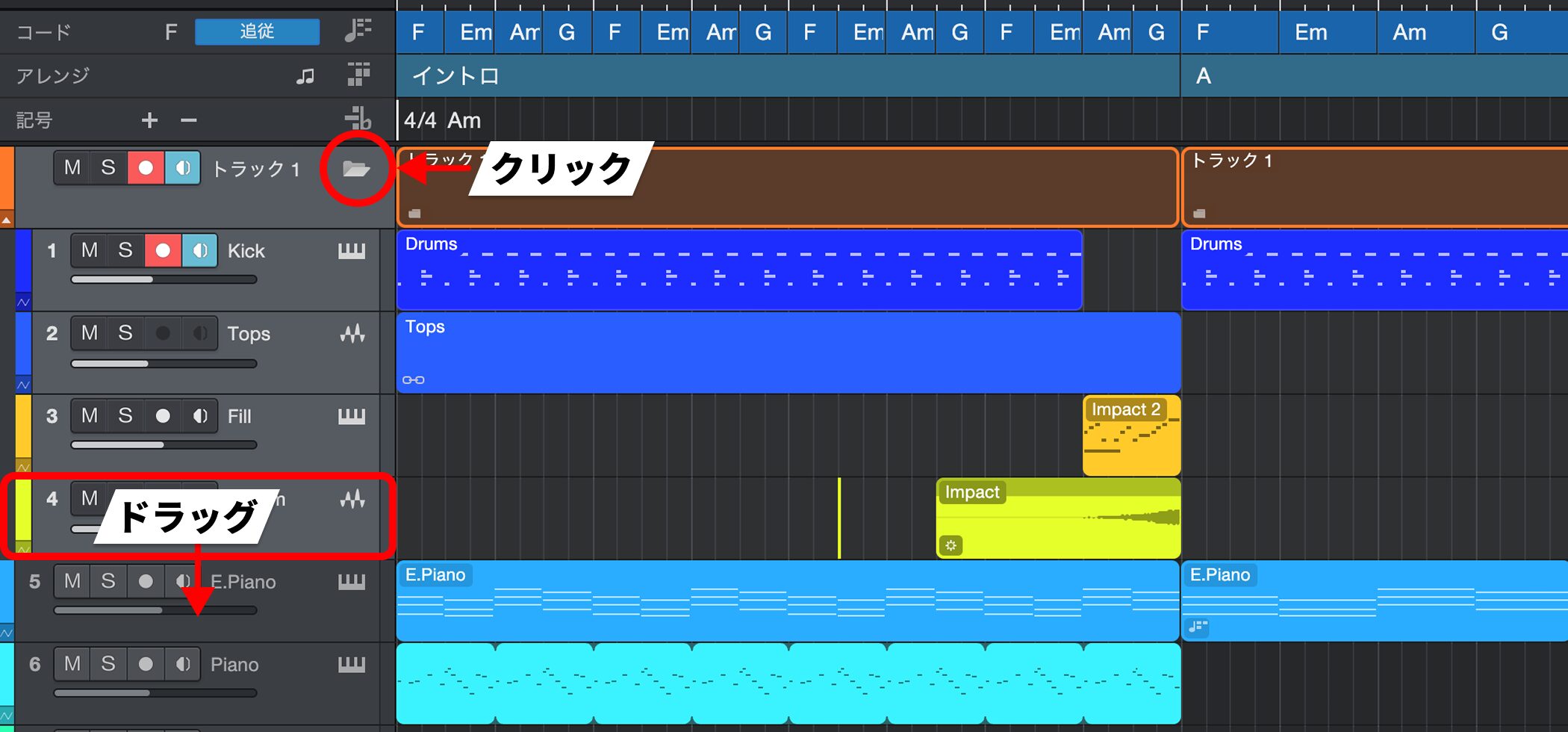
Click the folder icon outlined in red to show the contents.
Select the track you want to remove and drag it out.

Frequently asked questions
Q1. What is a folder track in Studio One?
It is a feature that lets you store multiple tracks in a single folder, just like folders on your computer. It makes organizing tracks more efficient, keeps things visually tidy, and lets you manage them together.
Q2. What are the benefits of grouping tracks with a folder track?
There are three benefits: a tidier view, the ability to change the audio output all at once, and the ability to solo and mute per folder. It is especially effective when you have many instruments, such as a drum kit.
Q3. How do I add tracks to or remove them from a folder track?
To add, drag a track onto the folder. To remove, show the contents with the folder icon and drag the track out. Adding and removing are both easy.
NEW ARTICLES
Latest English Articles











