
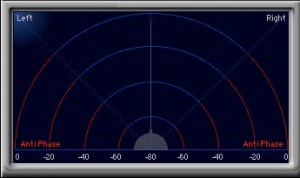
In mixing, deciding whether to use an audio file in stereo or mono is important. This article explains how to treat a stereo file as mono in Logic Pro. Stereo may seem to give a wider sound, but when the sound spreads too much, deliberately processing it in mono keeps it from blending into other instruments and gives a more organized sound image. The setting in Logic X and Logic 8/9 is very simple: just click the part outlined in red to make it "one circle." Experimenting flexibly depending on the material and situation leads to higher-quality mixes.
For controlling the sound image in mixing and arranging
Should the material you use in a song be "mono" or "stereo"?
In mixing and arranging, you need to take this into account as you work.
- Mono
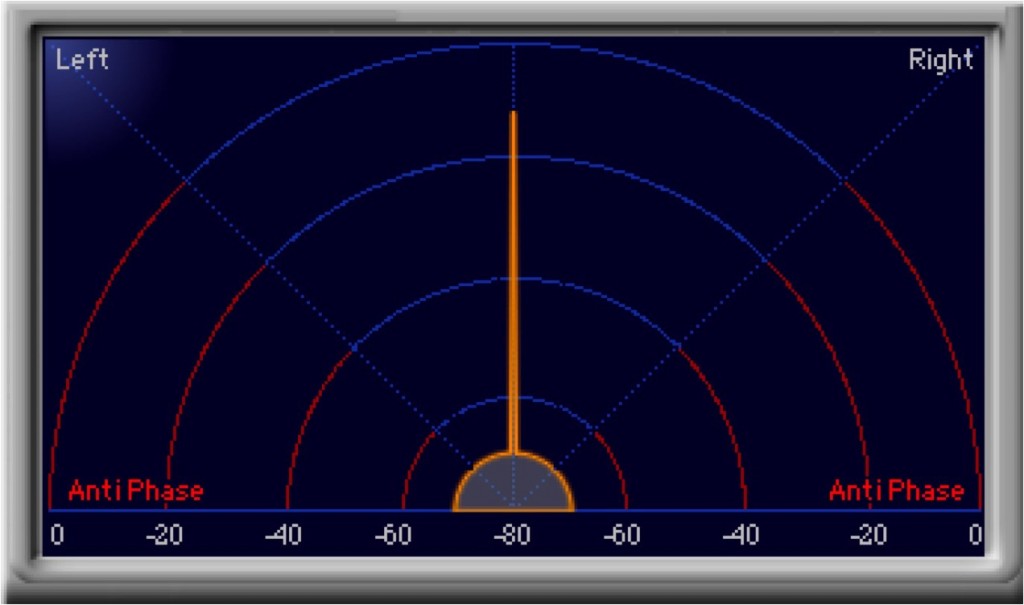
- Stereo
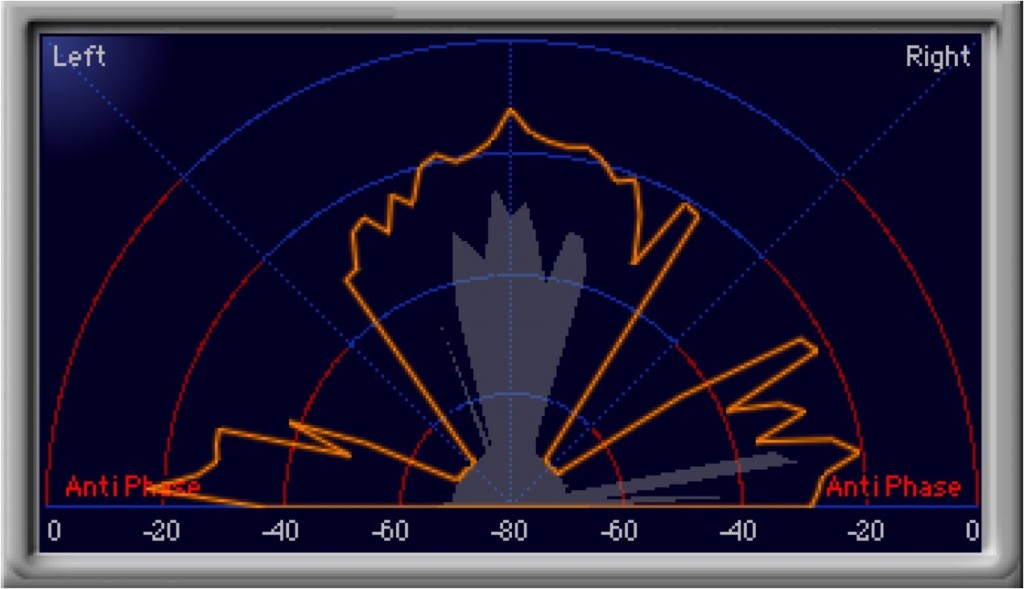
You decide this based on the song.
Wouldn't "stereo" be better because it's wider??
You might think so, but
when the sound spreads too much..., it's often used in "mono" on purpose.
- Logic X
- Logic 8/9
Converting stereo to mono in Logic X
It's very easy.

Click the part outlined in red to make it "one circle."
That's all.
The stereo file now plays back as mono.
Try it actively depending on the material, how you use it, and the situation.
Converting stereo to mono in Logic
It's very easy.

Click the part outlined in red to make it "one circle."
That's all.
The stereo file now plays back as mono.
Try it actively depending on the material, how you use it, and the situation.
- Logic X
- Logic 8/9

Frequently asked questions
Q1. Should I use stereo or mono in a mix?
Decide based on the sound image you want for the song and the balance with other instruments. Stereo is wide, but too much width can make the mix muddy. In that case, using mono gives a more defined, clearer mix.
Q2. Is converting stereo to mono in Logic Pro complicated?
It's very easy. Just click the part outlined in red to make the stereo symbol "one circle." With one click, the stereo file plays back as mono.
Q3. Does making an already-recorded stereo file mono degrade the sound quality?
Mono conversion in Logic Pro is applied during playback, so the original file isn't degraded. It simply mixes the left and right channels for playback.
NEW ARTICLES
Latest English Articles











