
Splitting a MIDI track by pitch in Logic Pro is a very handy operation, especially for drum production. Because a MIDI track mixing several instrument sounds can be automatically split by pitch into individual parts such as kick, snare, hi-hat, and cymbals, it becomes easy to edit and adjust each part separately later. This function lets you flexibly adjust drum tracks you programmed in the heat of the moment and greatly improves the efficiency of exporting to audio and mixing. It can also be applied beyond drums, for example to split chords.
Especially Handy for Drum Tracks!!
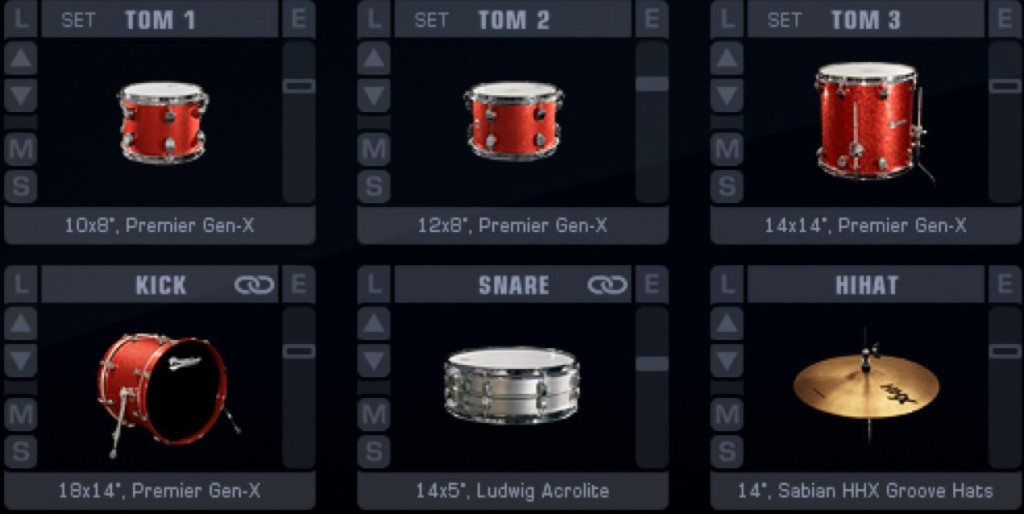
Splitting a single MIDI track by pitch
has benefits such as more flexible programming and exporting to audio.
It is especially effective for MIDI drum tracks:
a drum track you programmed in the heat of the moment can later be split into kick, snare, hi-hat, cymbals,
and each other kit piece, which is very convenient.
- Logic X
- Logic 8/9
Logic X: How to Split a MIDI Track
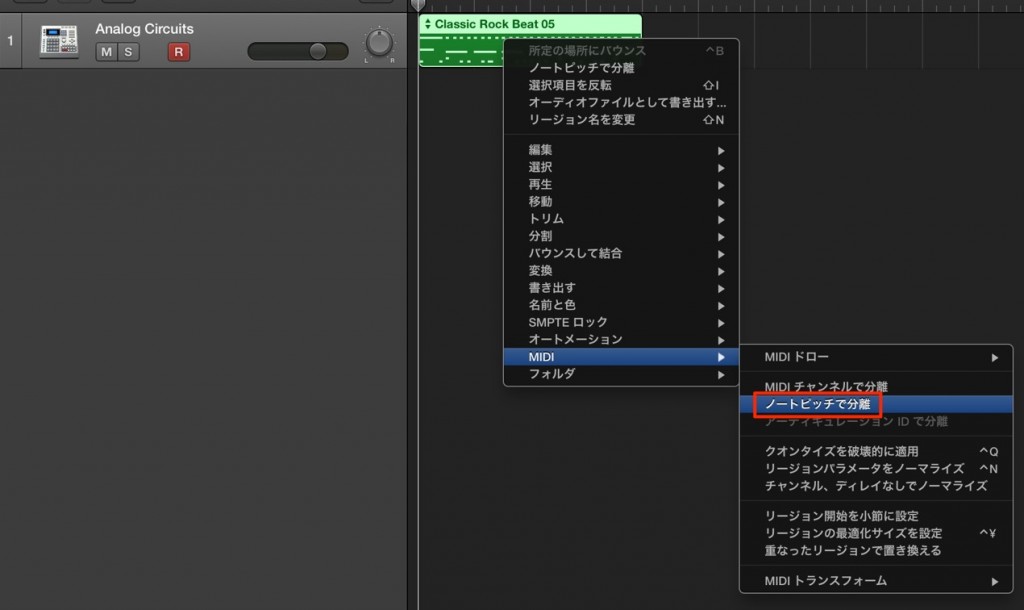
Select the region to split and right-click it.
In the menu that appears, choose "MIDI" → "Separate by Note Pitch."
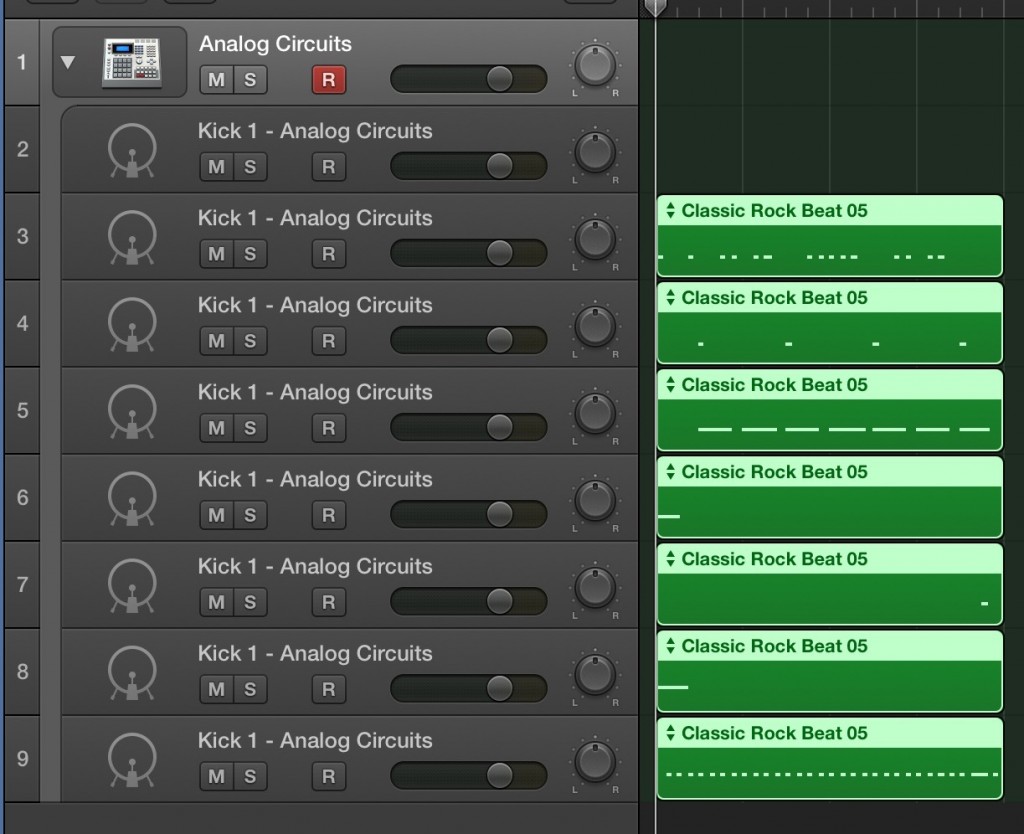
It has been split like this.
Besides drums, you can apply this in other ways, such as splitting chords.
Be sure to try it.
Logic: How to Split a MIDI Track
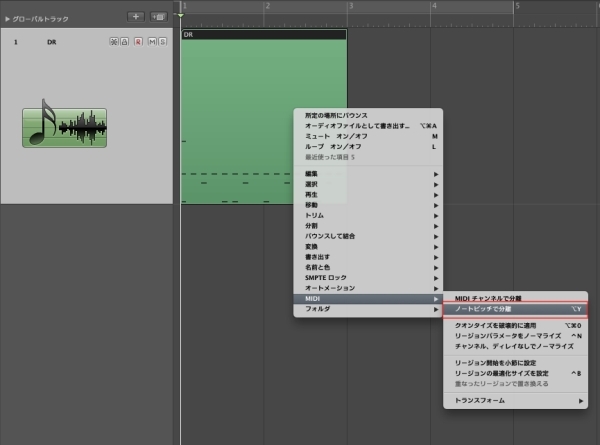
↑ Select the region you want to split and right-click it.
In the menu that appears, choose "MIDI" → "Separate by Note Pitch."
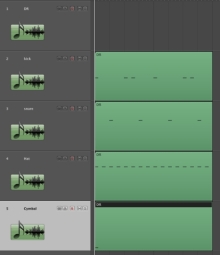
↑ It has been split like this.
Besides drums, you can apply this in other ways, such as splitting chords.
Be sure to try it.
- Logic X
- Logic 8/9

Frequently asked questions
Q1. How do I split MIDI by pitch in Logic Pro?
Just select the region you want to split, right-click it, and choose "MIDI" → "Separate by Note Pitch" from the menu that appears. In three simple steps, it is automatically split into multiple MIDI tracks.
Q2. Can this function be used for things other than drum tracks?
Yes, it can be applied beyond drums. It also works well, for example, for splitting the notes that make up a chord progression by pitch or breaking down a complex melody.
Q3. Can the MIDI split function be used in Logic 8 or 9?
Yes. This function is available in Logic X, Logic 8, and Logic 9. Since it works almost the same way, you can use it in any of these versions.
NEW ARTICLES
Latest English Articles











