
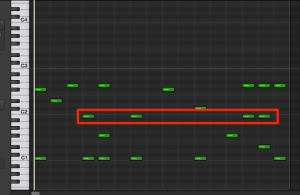
Using Logic Pro's invert selection function greatly improves the efficiency of editing in music production. When the range you want to edit is complex and wide, instead of selecting everything as usual, you can first select the parts you don't want to edit and then invert to quickly select the target area. This function works not only with MIDI notes but also with regions, and can be run instantly with the shortcut Shift+I. It's an essential technique for users who want detailed production work to go smoothly.
Edit quickly by inverting the selection
Something you always do when editing songs: "selecting"
You need to select what you're going to edit.
However, sometimes "there are too many things to select".
Here, we explain how to work more efficiently using "invert".
How to invert a selection
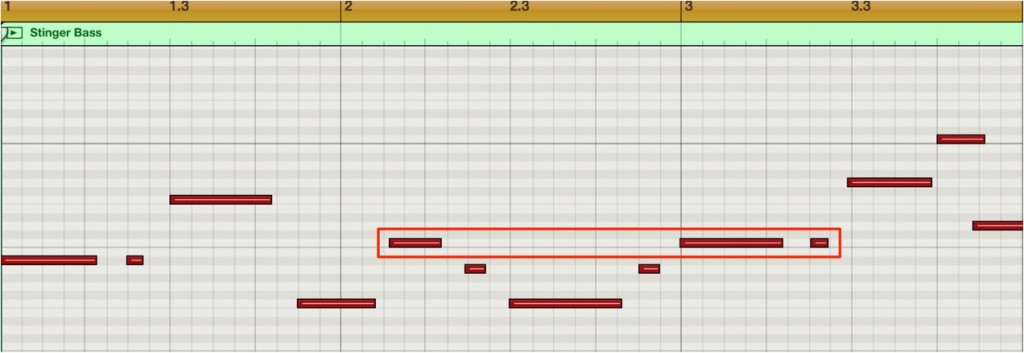
Suppose you want to select "everything except the area outlined in red."
Selecting them all one by one looks like a bit of work.
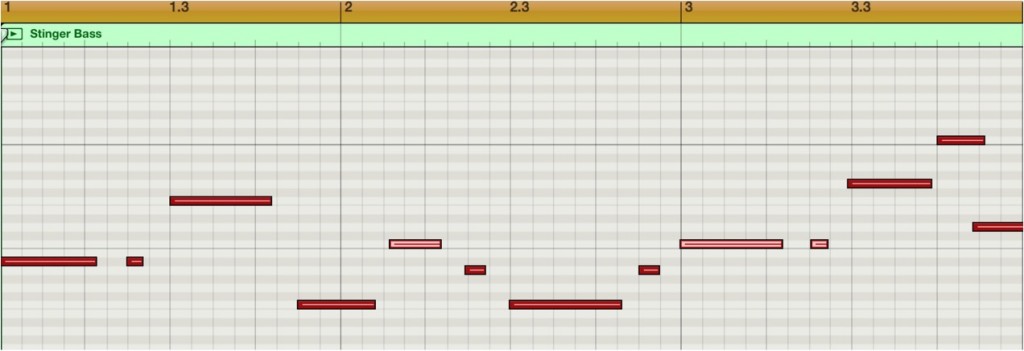
First, select "the parts you don't want to select."
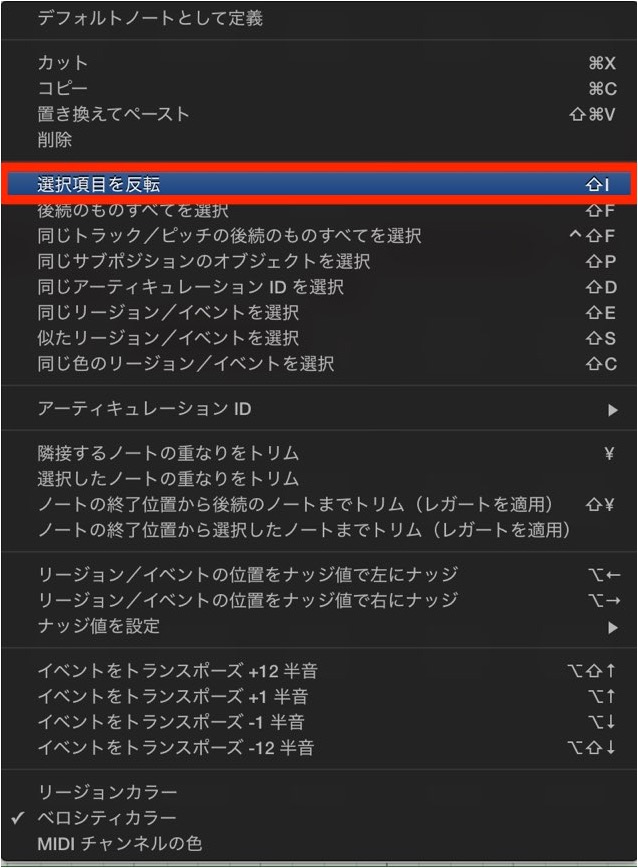
Right-click,
and choose "Invert Selection" from the menu.
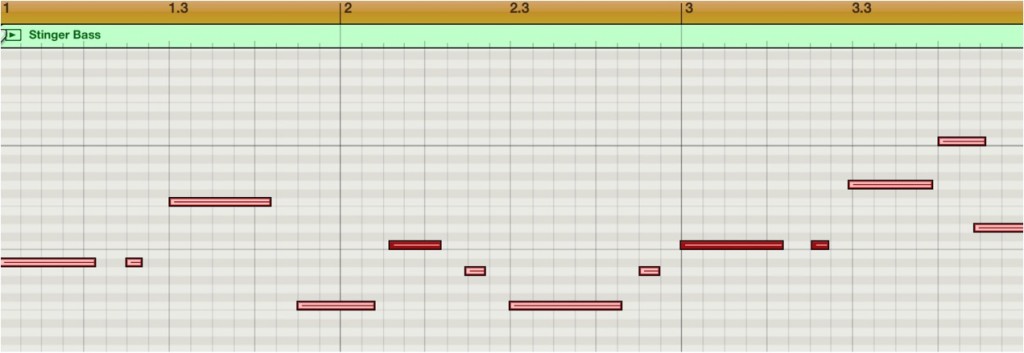
As shown here, the originally selected range and the other notes are swapped
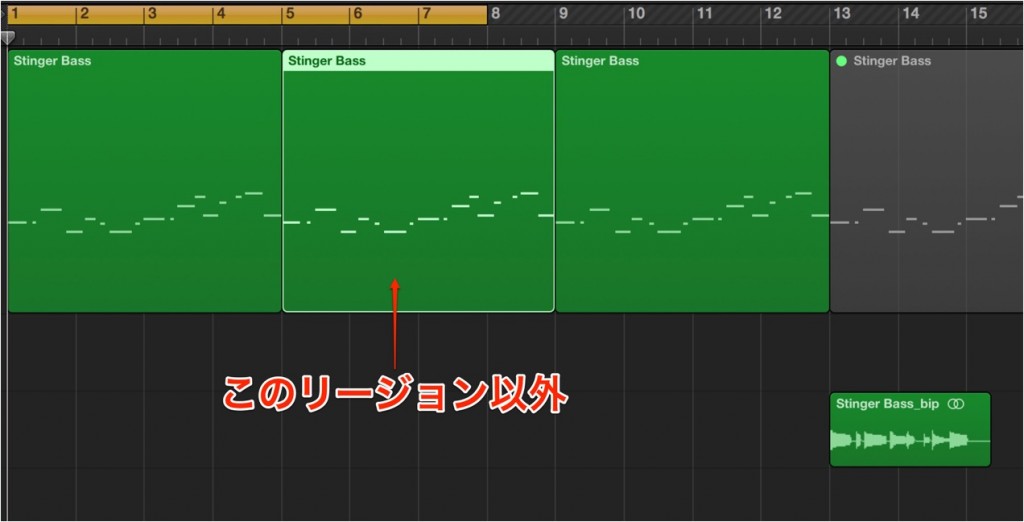
The same operation can be applied to "regions" as well as MIDI notes.
The shortcut for this invert is "Shift + I".

Frequently asked questions
Q1. What is the shortcut key for inverting a selection in Logic Pro?
You can invert the selection with the keyboard shortcut Shift+I. This combination lets you invert quickly and improves your efficiency.
Q2. Can the invert selection function be used for things other than MIDI notes?
Yes, besides MIDI notes, regions can be inverted in the same way. It's a versatile function you can use for various editing targets.
Q3. What are the benefits of inverting a selection?
When there's a lot to edit, selecting only the parts you don't want to edit and then inverting reduces the number of steps and saves time. Complex selections become easy.
NEW ARTICLES
Latest English Articles











