
FL Studio's invert function is an important feature that adjusts the phase relationship between multiple tracks by flipping a waveform upside down. You cannot hear any change on its own, but it takes effect when played together with other tracks and can greatly change the texture of the sound. It can be applied to practical techniques such as drum processing and vocal extraction, and can also be used to adjust the left/right placement of stereo tracks, making it an essential function for improving mixing precision.
The invert function flips the waveform
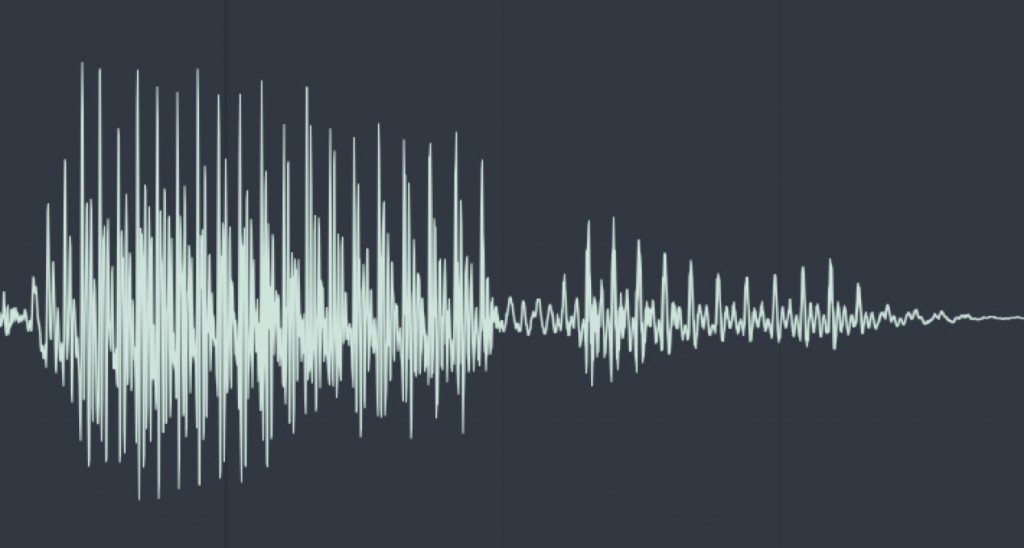
If you zoom in on any sound, you always end up with a wave like this.
The "invert function" flips this wave upside down.
This flip cannot be heard when the track is played on its own.
When played together with other tracks, it takes effect.
Invert tutorial
This video explains the effect of inverting, using drum sounds as an example.
This process alone can change the texture of the sound.
Extracting a vocal file with phase inversion
This technique cancels out waveforms with inversion to extract only the vocals.
A similar principle is "M/S processing".
How to invert

Go to the mixer track and turn on the phase invert switch outlined in red.
That alone inverts the phase.
You can also swap the left and right of a track

From this section, you can swap the left and right channels of a stereo track.
If you are using a loop and the guitar placed on the right bothers you, you can flip it to the left.

Frequently Asked Questions
Q1. Why does the sound change when I use FL Studio's invert function?
Flipping the waveform changes the phase difference between multiple tracks, which changes the frequency response. Especially when different versions of the same source are played back, phase inversion cancels or emphasizes frequencies, so the texture of the sound changes.
Q2. Can I make a song with the invert function alone?
You cannot hear any change from the invert function on its own, but it takes effect when combined with other tracks. You need to apply it in ways that make use of interaction between tracks, such as vocal extraction or drum processing.
Q3. How does the vocal extraction technique work?
Playing back the same vocal track with one copy phase-inverted cancels out the vocal waveform and leaves the instrumental part in the background. This is a principle similar to M/S processing.
NEW ARTICLES
Latest English Articles











