
FL Studio's arpeggiator function is a tool that makes it easy to apply a traditional synthesizer playing technique. After entering chords as whole notes, you can use the "Arpeggiate…" function at the top of the Piano roll to fine-tune the number of octaves, the pattern, the note length and more. Increasing the number of octaves makes the movement more dramatic, and adjusting the note length changes the groove considerably, so you can create the sound you like while checking it in real-time playback. Even beginners can easily generate distinctive, interesting phrases, broadening the range of their music production.
A traditional synthesizer technique: using the arpeggiator
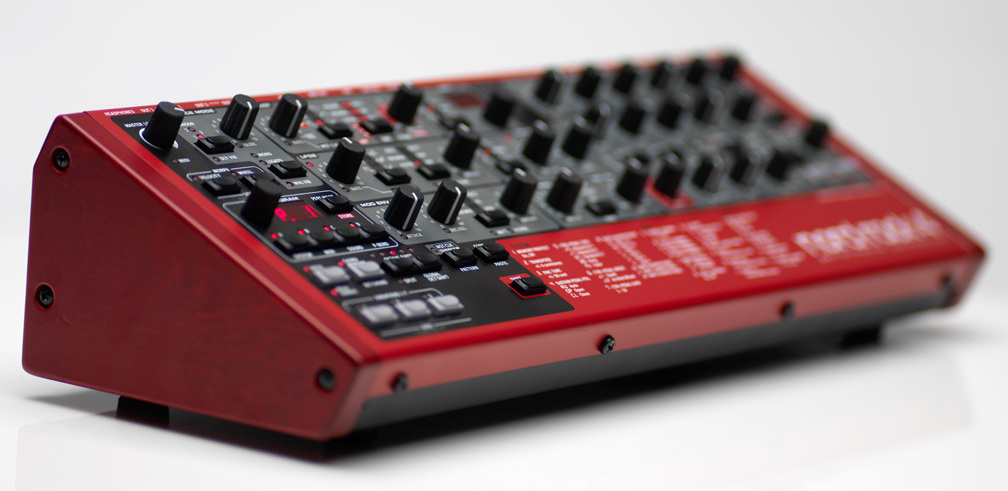
A playing function used very often on synthesizers is the "arpeggiator".
It sounds like this.
You have probably heard it at least once.
In FL Studio, you can use the arpeggiator very easily.
You can also finely control the note length and what is played, so please give it a try.
How to use the arpeggiator
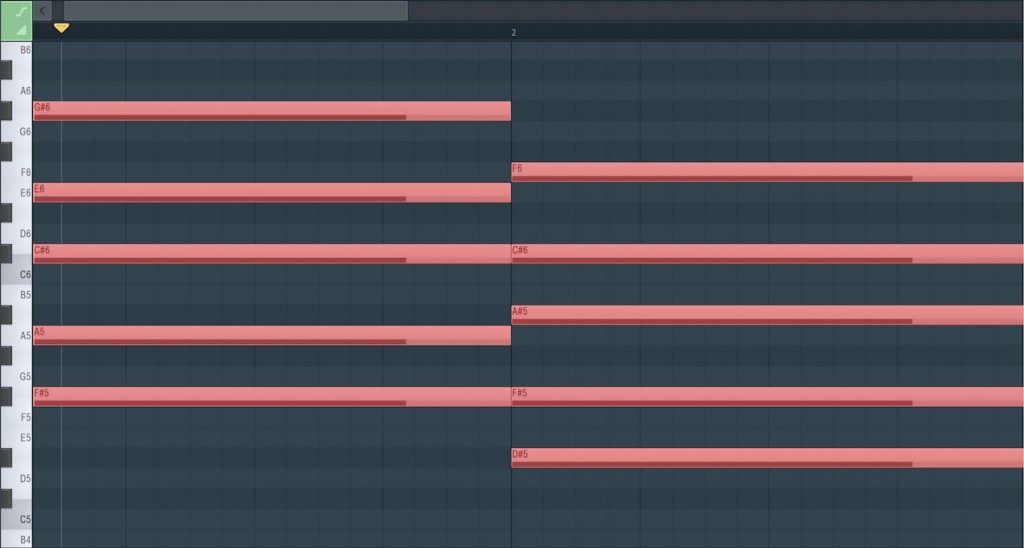
First, as preparation, program the chords you like as whole notes.
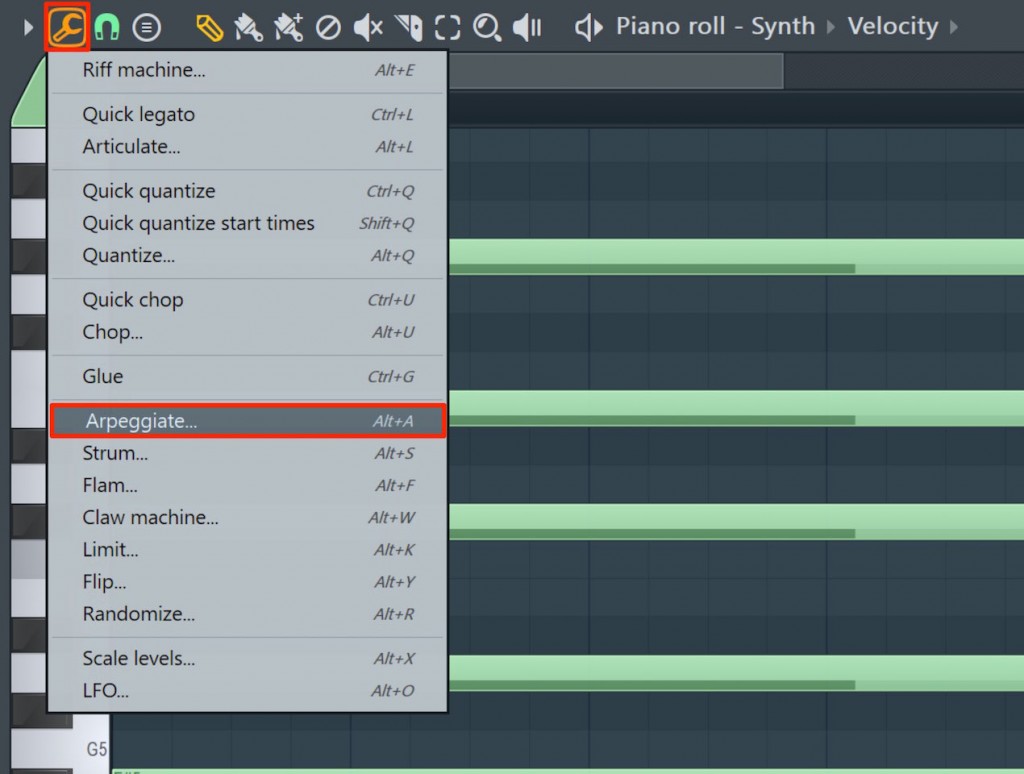
Click the wrench icon at the top of the Piano roll and select "Arpeggiate…".

A window like this appears.
- 1_Set the octaves to be played. The more there are, the more dramatic the movement
- 2_Specify the arpeggio pattern
- 3_Specify the note value at which the arpeggio is played
- 4_Specify the note length. This changes the groove considerably
When you are done, press "Accept" to apply it.
You can adjust the parameters while playing back and listening,
so have fun adjusting them until you get the sound you like.
You may come up with interesting phrases you would never think of when programming by hand.

Frequently Asked Questions
Q1. Where can I use FL Studio's arpeggiator?
Click the wrench icon at the top of the Piano roll and select "Arpeggiate…". As preparation, you need to enter the chords as whole notes beforehand.
Q2. What happens when I change the "note length" parameter of the arpeggiator?
Adjusting the note length changes the groove of the arpeggio considerably. Shorter notes sound tight and longer notes sound loose, which affects the groove of the song.
Q3. How can I create phrases with dramatic movement with the arpeggiator?
Setting a larger number of octaves makes the movement more dramatic. Combining it with patterns lets you generate more complex and interesting phrases.
NEW ARTICLES
Latest English Articles











