
When no sound plays as you enter MIDI notes with the pencil tool in Cubase, the cause is that the Key Editor's MIDI out function is disabled. This article explains the specific fix: simply turning on MIDI out lets you preview notes as you enter them. It's important troubleshooting information that directly affects your efficiency, and essential knowledge for Cubase users struggling with similar audio output problems.
You can't hear notes entered with the pencil tool
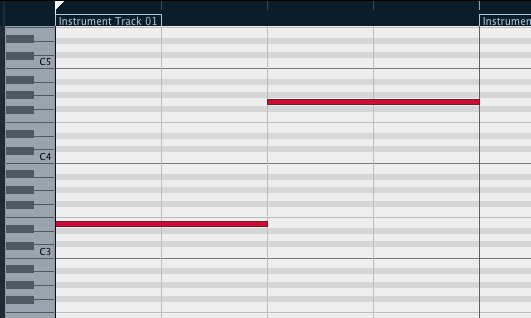
You can't preview MIDI notes entered with the "pencil tool."
Considering work efficiency, it's a painful symptom.
Here, we describe how to solve it.
Cubase troubleshooting: MIDI problems
Solution

In the area outlined in red in the Key Editor,
turn on "MIDI out" (the Acoustic Feedback button).
Now you can preview the sound as you enter notes.
Frequently asked questions
Q1. Why can't I hear MIDI notes when using the pencil tool in Cubase?
The main cause is that the MIDI out function in the Key Editor is disabled. Turning on the MIDI out button outlined in red restores the preview sound when entering notes.
Q2. Where is the MIDI out setting?
The MIDI out button is in the area outlined in red in the Key Editor. Enabling it lets the notes you enter play back.
Q3. If there's no sound in Cubase, what else should I check besides MIDI out?
Yes, you should also check the audio device settings, the output destination of the instrument track, and group channel connections. Related troubleshooting articles also cover these problems.
NEW ARTICLES
Latest English Articles











