

If third-party software synths or your MIDI keyboard produce no sound in Logic Pro, the cause is almost always the MIDI channel setting. If the factory instruments work fine but only the instruments you bought separately don't respond, simply changing the MIDI channel from "All," the default when the instrument is loaded, to "1" solves the problem. With this simple change, programmed MIDI notes and keyboard performances respond normally and produce sound.
Third-Party Instruments Don't Sound When Programmed or Played
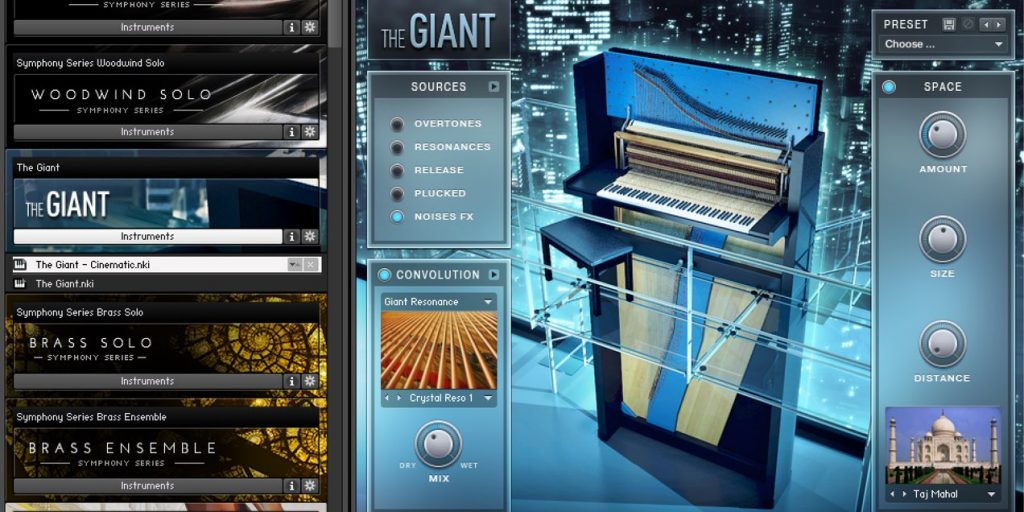
Logic's factory instruments produce sound, but software synths you bought separately don't.
Or nothing responds when you play your MIDI keyboard...
Here's how to solve that kind of trouble.
This is a case where the instrument's initial MIDI channel setting is the problem
and no sound is produced.
A characteristic sign is that the factory instruments sound fine.
Here, we describe how to fix it.
How to Fix It
The fix is very simple.
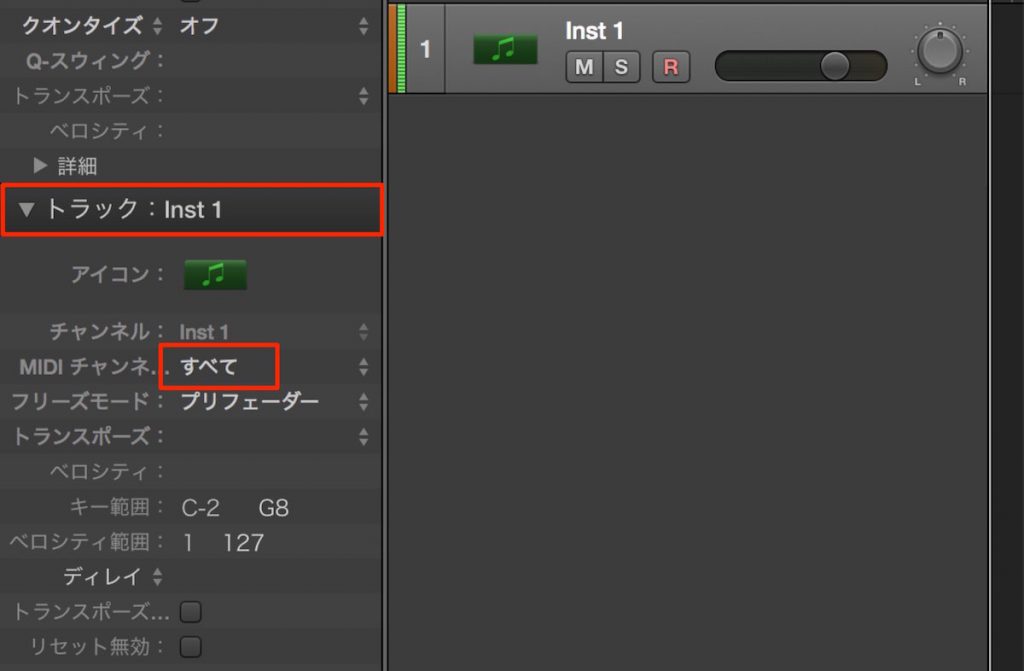
When the instrument is loaded, the MIDI channel is set to "All."

Change this to "1."
*For multitimbral instruments, choose the MIDI channel you want
The instrument will now respond to MIDI notes programmed in the region
and to performances on your MIDI keyboard, and output sound.
Frequently Asked Questions
Q1. In Logic, the factory instruments sound but only third-party instruments don't. What should I do?
The instrument's MIDI channel may be set to the default "All." Change the MIDI channel to "1." In most cases, this makes the instrument produce sound.
Q2. I'm using a multitimbral instrument. How should I set the MIDI channel?
For multitimbral instruments, you need to set the channel to "the MIDI channel you want" rather than "1." Select the channel number corresponding to the part you want to use.
Q3. A newly added instrument doesn't respond when I play my MIDI keyboard.
When keyboard performances don't trigger sound, the cause is almost always the MIDI channel setting. Check the MIDI channel setting of the instrument and change it from "All" to "1" to solve it.
NEW ARTICLES
Latest English Articles











