
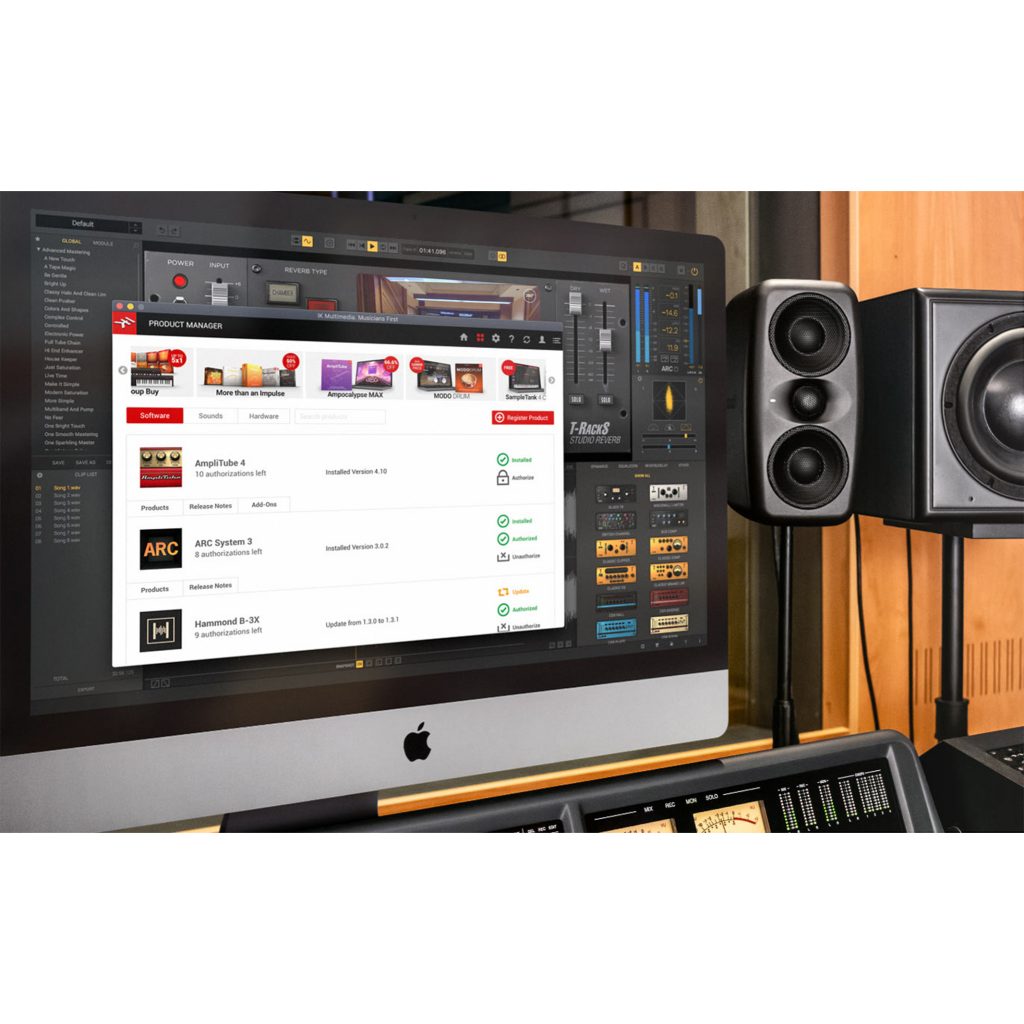
"IK Product Manager," released by IK Multimedia, is a tool for managing the company's instrument and effect products in one place on your computer. It offers a wide range of product management features needed for music production, including checking user registration, managing updates, registering and removing authorizations, downloading large samples and managing hardware drivers. After logging in with your IK account, you can intuitively manage purchased products and register new ones, and it is a highly convenient solution that also lets you choose an external drive as the install location.
Manage IK Products Efficiently! Also Handles Large Sample Downloads
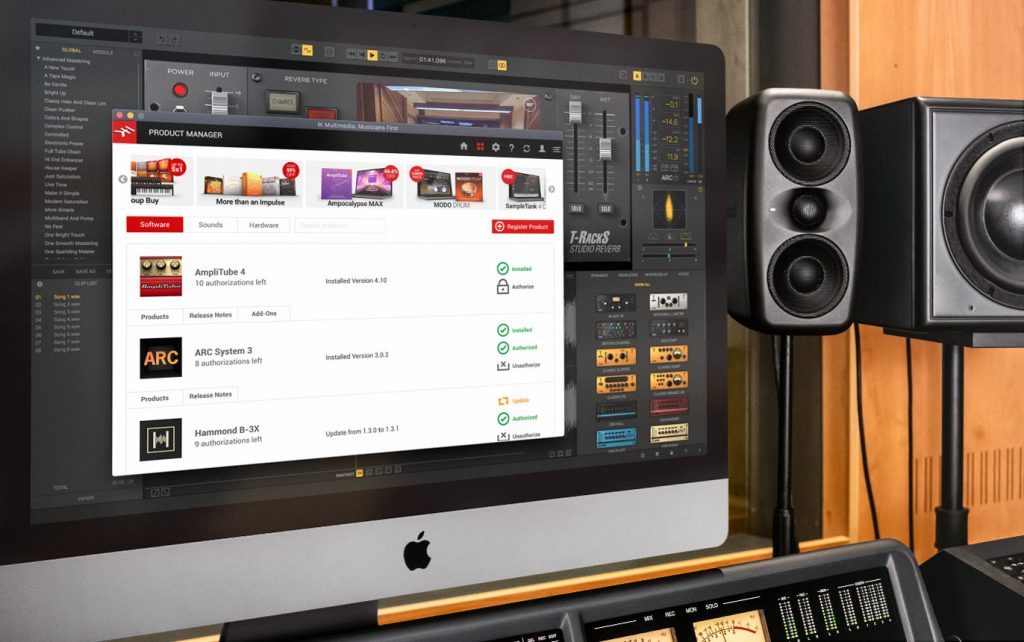
URL: https://www.ikmultimedia.com/products/productmanager/
IK Multimedia, which has released many high-quality instruments and effects, has released "IK Product Manager," which lets you quickly and efficiently manage your purchased products on your computer.
- Checking user registration and bonuses
- Checking for updates
- Registering and removing authorizations
- Downloading large samples
- Managing hardware drivers and firmware
It covers a wide range of product management tasks like these.
Here, we explain how to use "IK Product Manager."
How to Use IK Product Manager
First, download and install IK Product Manager.
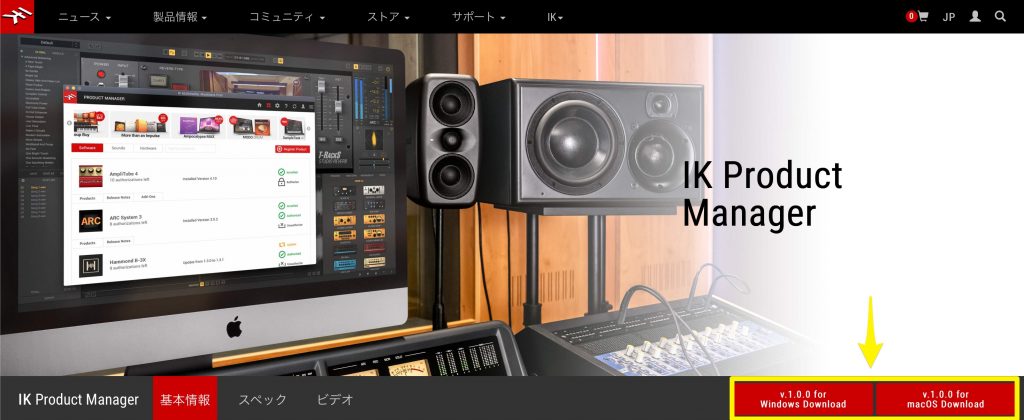
Here you can download the software.

After downloading, install it like any other software.

Launch the installed "IK Product Manager."
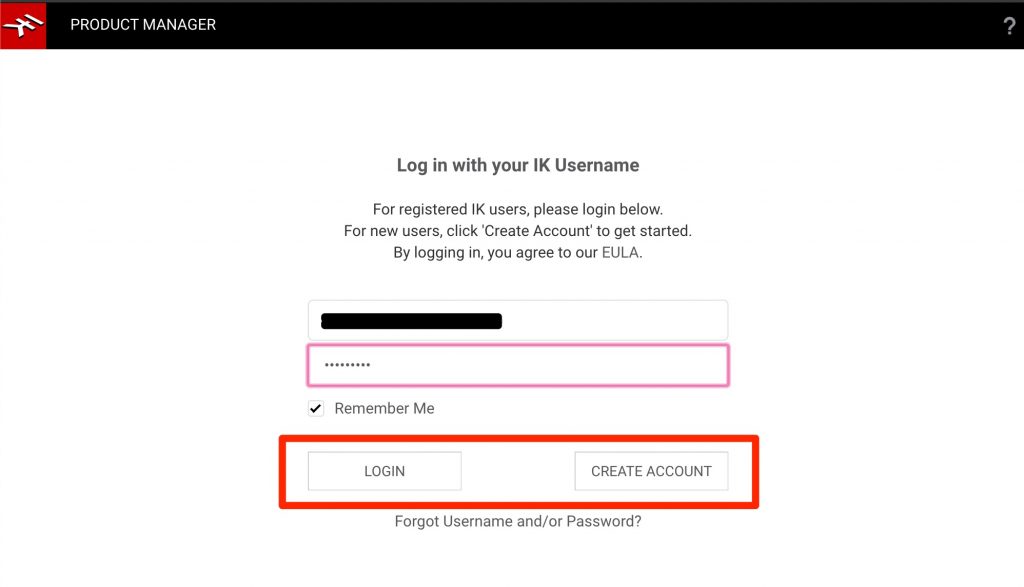
Log in with your existing IK account.
If you don't have an account yet, you can also create one from "CREATE ACCOUNT."

You can manage your purchased products from "Manage Products."
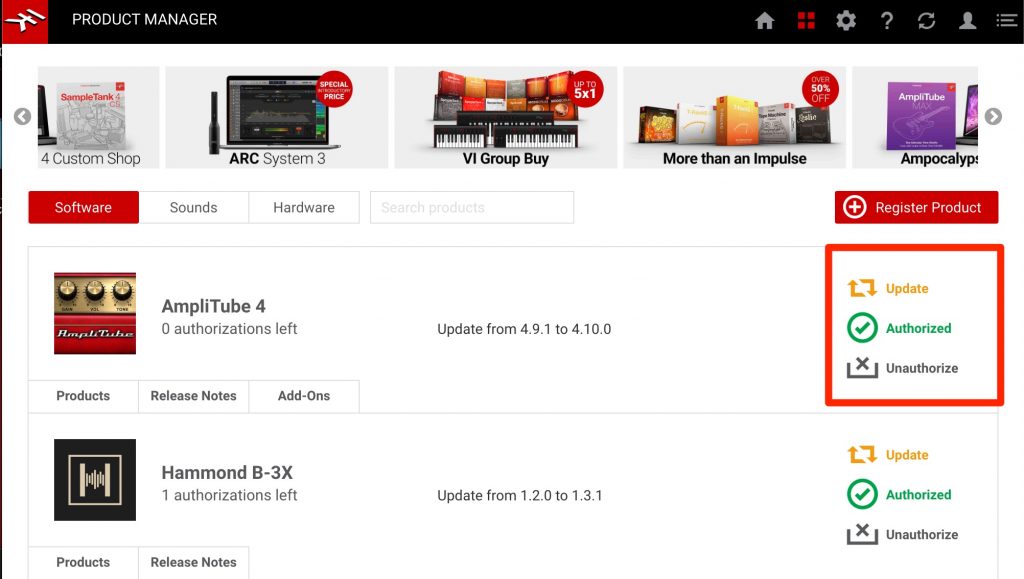
You can quickly update products installed on your computer and authorize or deauthorize them.

When you buy a new product, you can register it right away from "Register Product."

Registered products appear in the list, and you can install and authorize them immediately.
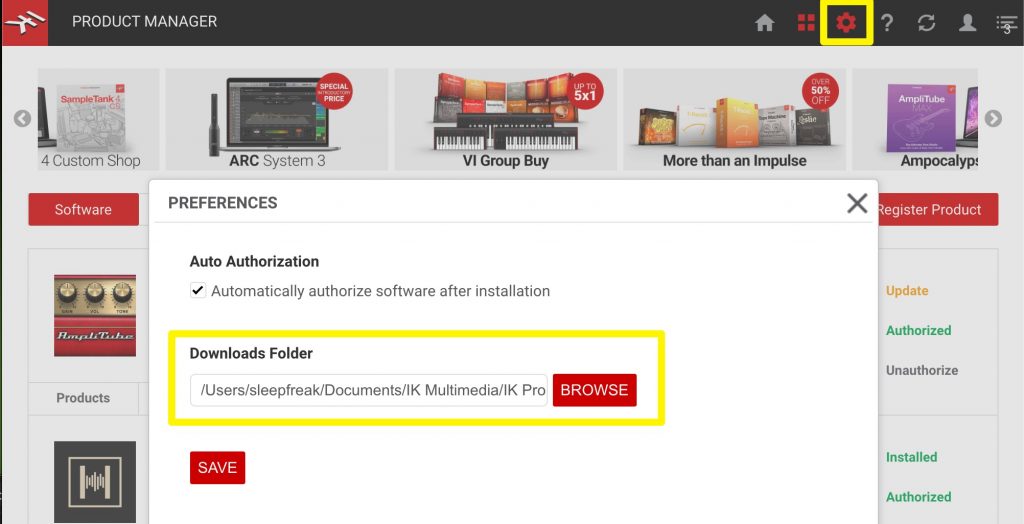
Some products involve large files.
To avoid running out of disk space, you can specify where the installers are saved (such as an external drive).
What did you think?
Installing and managing products has become very convenient!
If you use IK products, be sure to give it a try.
Frequently Asked Questions
Q1. What features does IK Product Manager provide?
It supports managing IK Multimedia products all in one place, including checking user registration, managing updates, registering and removing authorizations, downloading large samples and managing hardware drivers and firmware.
Q2. What do I need to start using IK Product Manager?
Download and install the software from IK Multimedia's official website, then log in with your existing IK account or create a new one to get started.
Q3. Where can large sample files be saved?
To avoid running out of disk space, you can freely specify where installers are saved, such as an external drive.
NEW ARTICLES
Latest English Articles











