
KAGURA is a next-generation music production tool that uses AR technology to convert body movement into sound in real time. With just a webcam and a computer, you can play it simply by holding your hand over shapes on the screen, enabling endless musical expression such as dancing or playing together with several people. You can try it with the free "KAGURA Player," and the full version, which supports various DAWs and MIDI control, can be purchased for 54,900 yen, making it suitable for a wide range of music makers from beginners to pros.
Endless musical expression, for anyone.
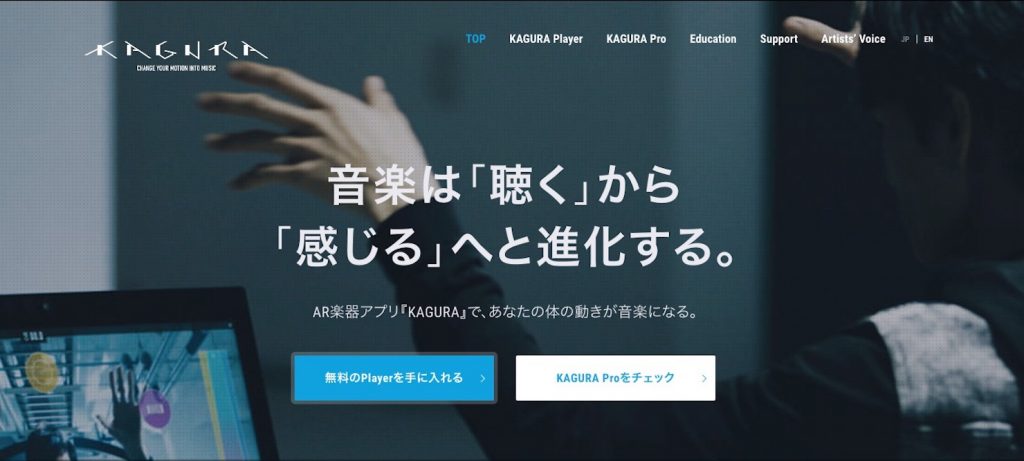
When you hear the word "instrument," what comes to mind?
Guitar, piano, drums, synths... Over time, all kinds of instruments have been born around the world, past and present, each evolving in its own way.
Among them, this time we'd like to introduce a next-generation music tool, "KAGURA".
What kind of instrument is it? First, please watch the video.
What do you think?
That's right, KAGURA is "an instrument you play using your body's movements".
So I actually recorded myself playing with KAGURA Player.
I'm just moving my body randomly, but I think it sounds like something. It's a strange experience, as if your own body has become an instrument.
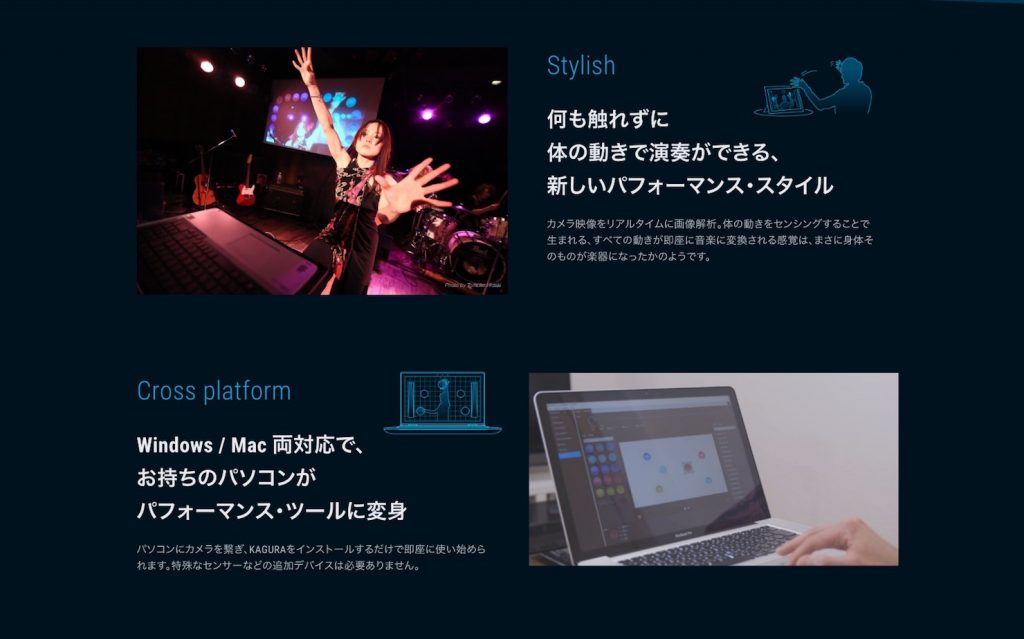
Supports Mac and Windows
KAGURA is software that converts movement into sound using AR technology.
All you need is a webcam and a computer. It also supports 3D cameras, so you can even use depth in your expression.
Free expression
As you can see in the video, KAGURA lets you make sounds by holding your hand over images and shapes placed on the screen.
Because it analyzes the camera image in real time and converts movement into music, endless musical expression is possible, such as playing while dancing or playing with several people.
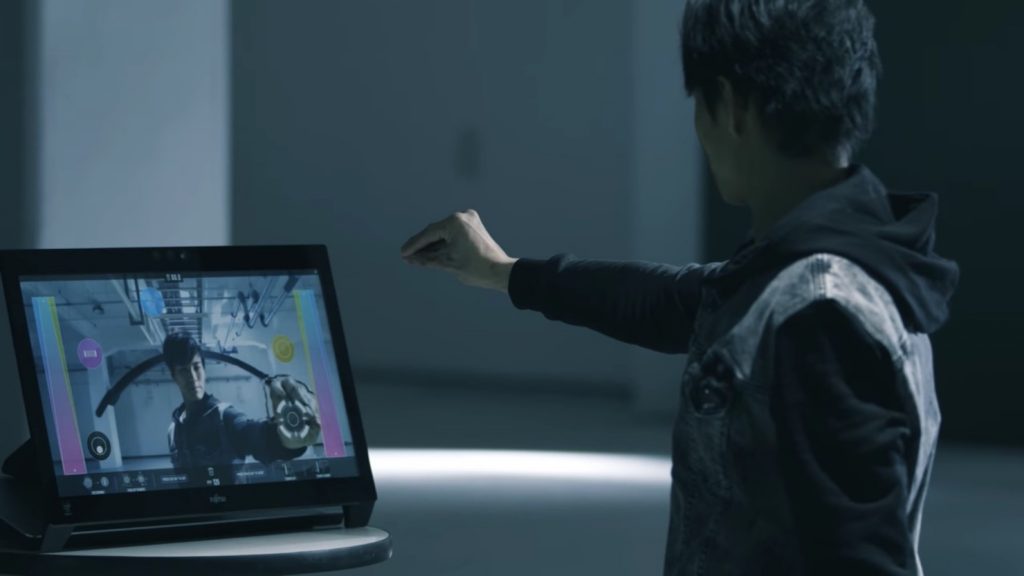
You can freely change these images and the sounds they play, and the software comes with plenty of material.
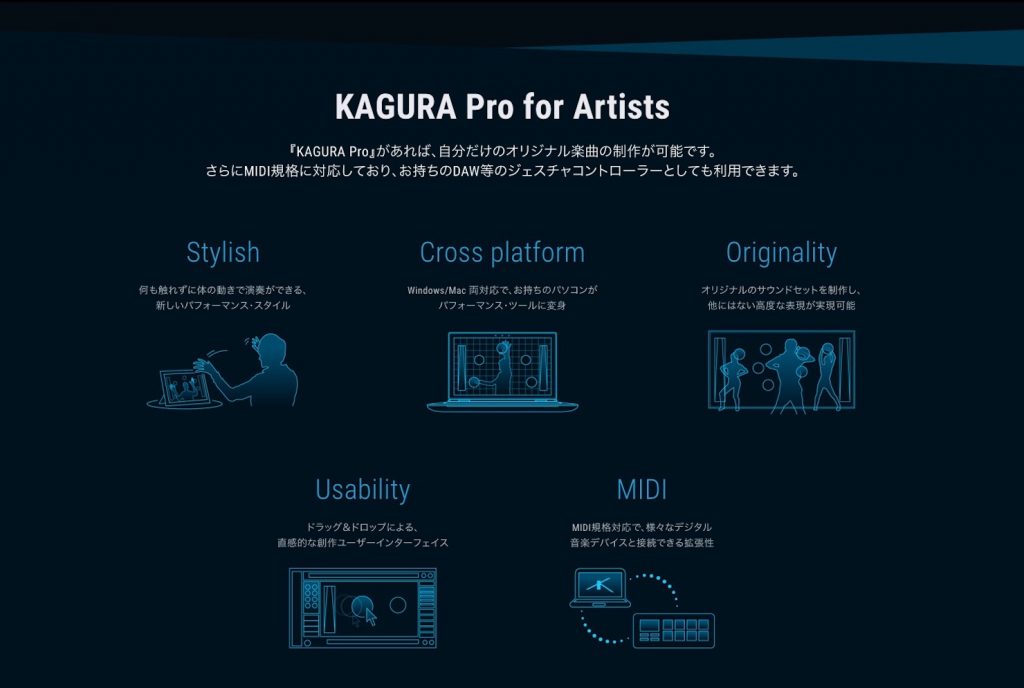
Of course you can also use material you've prepared yourself. It works with various DAWs and samplers and supports MIDI control.
Try it first
To let you try KAGURA easily, there's free software called "KAGURA Player."
You can't create songs with it, but demo songs in various genres are ready in advance, so you can play just by installing it.
How to install KAGURA Player
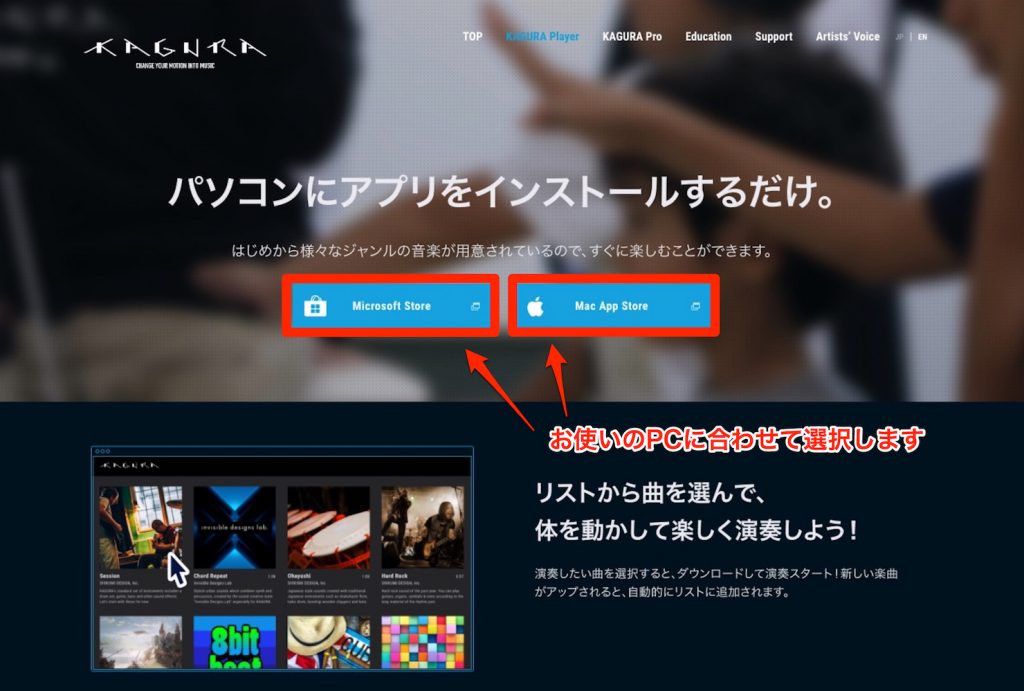
First, on this page, choose the version for your computer.
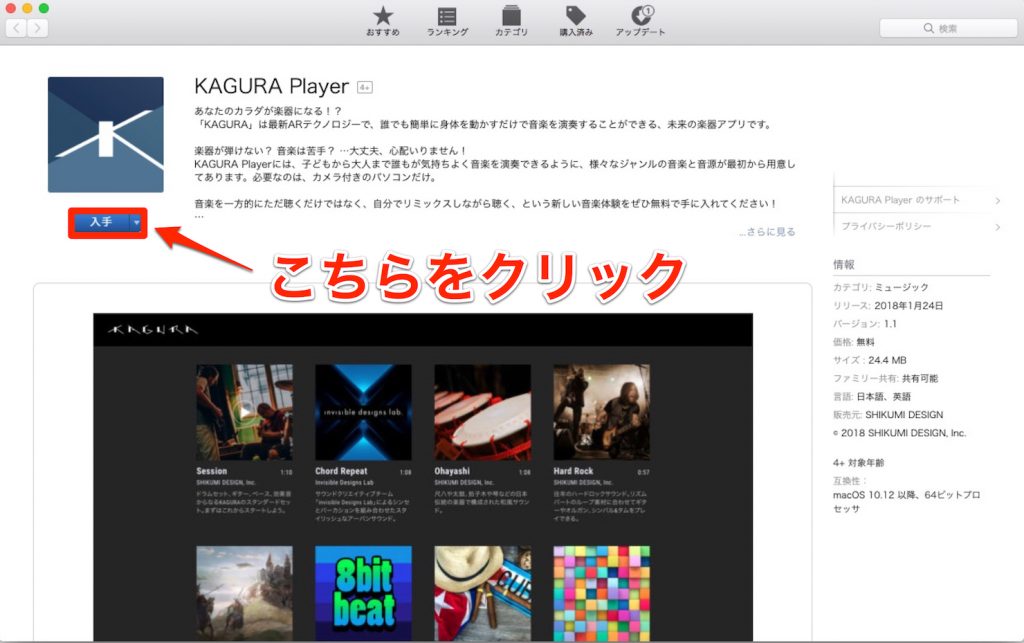
This time we'll walk through the steps using the Mac version as an example. Let's install it from the Mac App Store.
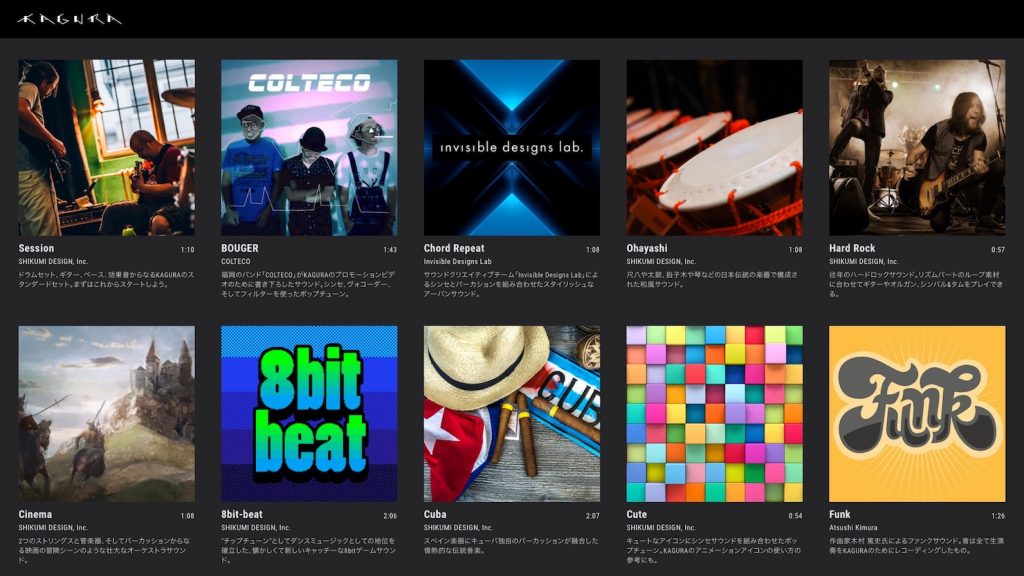
When you open the installed software, songs in various genres are available, so click the one you like.
The performance starts automatically, so just move your body however you like and play!
About purchasing and the trial version
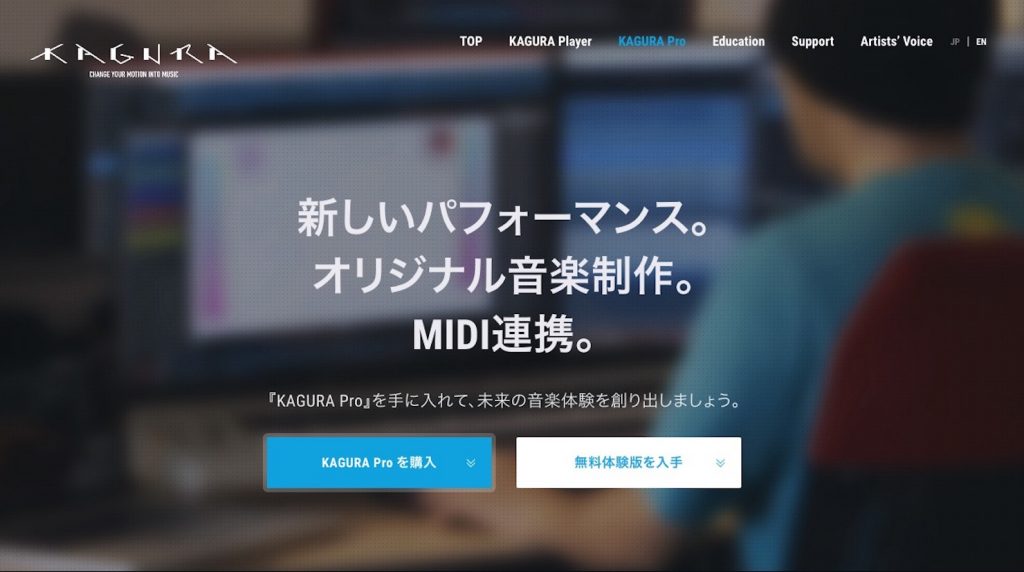
The full version of KAGURA, which you can edit freely, is currently available for 54,900 yen. If you'd "like to play around with it before buying," a free trial version is available, so you might try that first.
With it you can use almost all features except saving songs and creating playlists.
*To purchase or download the trial version, go here*
What did you think of the next-generation music tool "KAGURA"?
It's a wonderful product that fires the imagination, so please give it a try.
Sleepfreaks also plans to introduce specific ways to use it in the future.
Stay tuned!
*The product website is here*
Article by momo (Mamoru Tanoue)
Profile: Born in 1995. A Digital Performer and Ableton Live user. After graduating from music school, moved from Fukuoka to Tokyo as a composer.
Made a debut as a writer in August 2017, composing and arranging for Tsukicro's "STARDUST".
With the motto "songs that touch the heart", a multi-player who handles everything from lyrics and composition to arrangement and recording.
Also active as the composer and arranger for the art unit "Shiro".
Website: Music Designer momo
Twitter ID: @momo_tanoue
Frequently asked questions
Q1. How does KAGURA turn body movement into sound?
It uses AR technology to analyze the webcam image in real time and detect the position and movement of your hands and body. It converts your interaction with the images and shapes placed on the screen into audio data and outputs it.
Q2. What equipment do I need to start with KAGURA?
Just a webcam and a computer (Mac or Windows). Optionally, using a 3D camera also lets you use depth in your expression.
Q3. Can I try it before buying the full version?
Yes. A free trial version is available, and you can use almost all features except saving songs and creating playlists. You can try the trial first and then consider buying.
Q4. Can KAGURA work with DAWs and MIDI controllers?
Yes. It works with various DAWs (digital audio workstations) and samplers and supports MIDI control, so you can incorporate it into your existing music production setup.
Q5. Can beginners make full use of KAGURA?
It's intuitive: you can play just by moving your body. You can easily try it with demo songs in the free KAGURA Player, so you can get started even without any musical experience.
NEW ARTICLES
Latest English Articles











