
Learn professional music production techniques through an analysis of Billie Eilish's hit song “bad guy.” We explore its minimalist approach—keeping the track count low while bringing the vocals and beat to the forefront—and practical ways to use industry-standard tools such as Cubase, Melodyne, and u-he Diva. Examining the chord progression, rhythmic structure, and sound design from several angles provides useful techniques for contemporary pop and trap production that you can apply to your own music.
Learn Production Techniques by Analyzing Songs by Popular Artists

In this series, we analyze the chords, rhythms, sound techniques, and structure of songs by popular artists from a range of perspectives, discussing their production methods and techniques in an informal livestream on our YouTube channel.
For our very first installment, we chose:
Billie Eilish – bad guy

Listen: https://youtu.be/DyDfgMOUjCI
Billie Eilish – bad guy
Released on March 29, 2019, this enduring hit was still in the Billboard Top 10 in October 2019.
• Three wins at the Apple Music Awards
• No. 2 in Spotify’s ranking of the most-streamed music of 2019
The song creates its distinctive atmosphere by reducing the track count to a minimum and bringing the vocals and beat to the forefront.
Analyzing Billie Eilish’s “bad guy”
For copyright reasons, we cannot play the original recording in this video.
Before watching, please listen to the original song to get more out of the livestream.
Products Featured in the Video
Here are the products we introduce and discuss in the video.
DAW Used: Cubase 10.5

Japan’s most popular DAW offers a well-balanced set of tools for MIDI programming, recording, and mixing.
Product URL: https://bit.ly/2PoXJye

Cubase Tutorials for Beginners
A collection of Cubase tutorials for beginners, with videos covering basic features and operation. These tutorials also cover Cubase 9, described as the latest version when the linked series was written. Whether you use Pro, Artist, or Elements, this introductory series is a useful starting point if you are new to making music on a computer.

Advanced Cubase Tutorials
Tutorials for intermediate and advanced Cubase users, also covering Cubase 9, described as the latest version when the linked series was written. Once you have mastered the basics, use this series to develop your skills further.
Celemony Melodyne 4

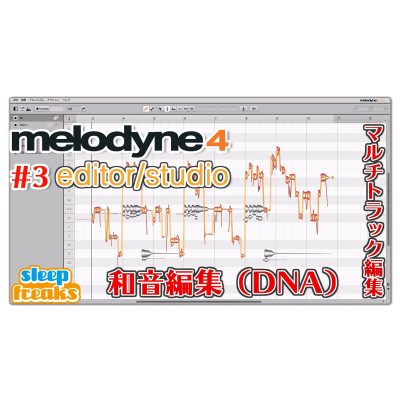
Melodyne 4 is a well-established pitch-editing tool. We used the editor edition here to create the vocal line.
Product URL: https://bit.ly/2Lyyjgw
u-he Diva Virtual Analogue Synth
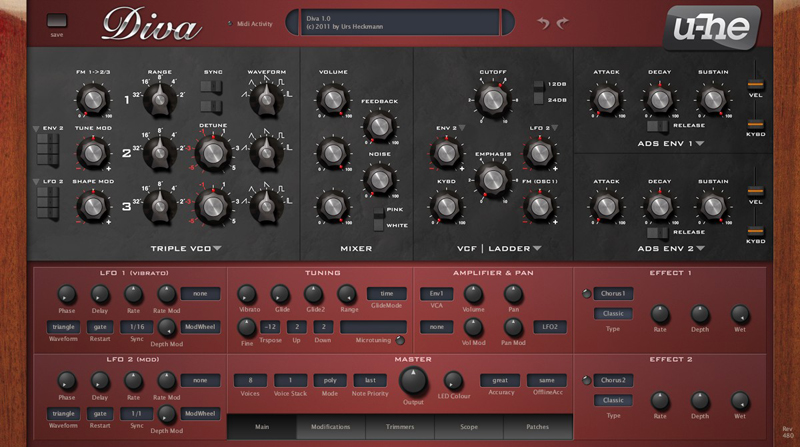
A software synthesizer that even reproduces the subtle fluctuations of analog sound.
We use it for the lead sound in the song’s instrumental break.
Product URL: https://bit.ly/3524H2N
Xfer LFO Tool Modulator Effect
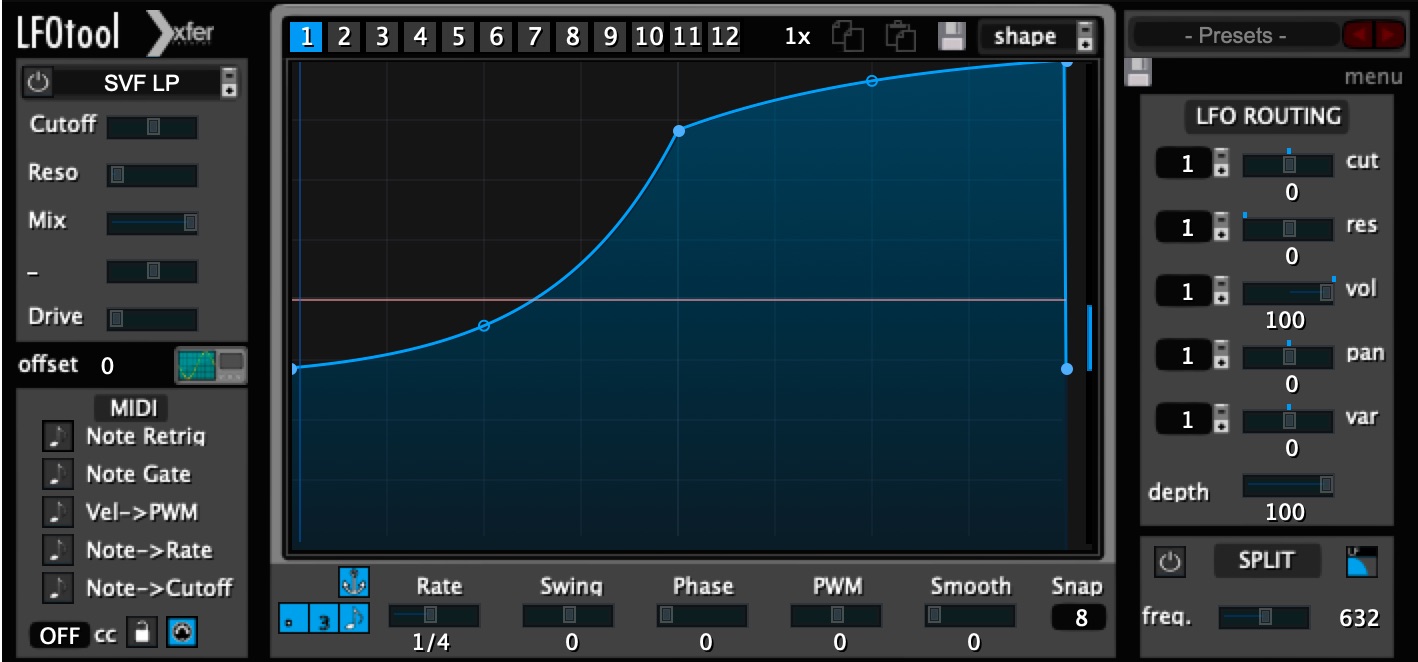
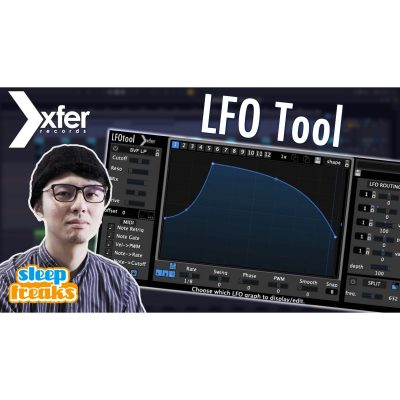
A very useful editing tool that lets you freely control volume and frequency curves.
We use it to apply special effects to selected parts of the vocals.
Product URL: https://bit.ly/2Rzl2b1
Future Audio Workshop SubLab
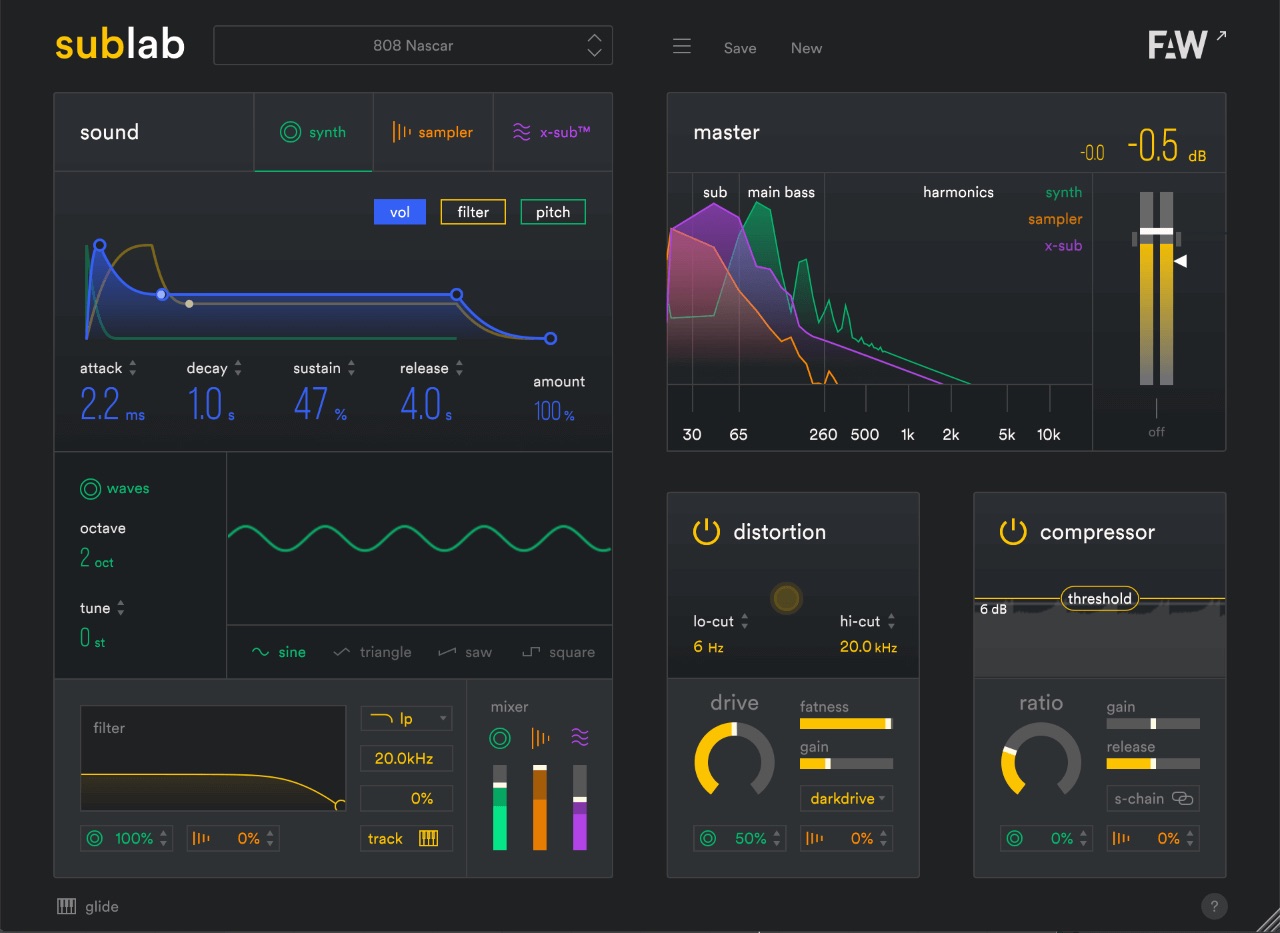
A software synthesizer designed around enhancing the low end.
We use it for the bass sound and additional low-end weight in the trap section.
Product URL: https://bit.ly/36eiNhC
Frequently Asked Questions
Q1. Which DAW is used in this production analysis of “bad guy”?
We use Cubase 10.5 in this analysis of the song’s production. Japan’s most popular DAW offers a strong balance of MIDI programming, recording, and mixing tools, making it suitable for professional production.
Q2. Which software is used to edit the vocals?
We use the editor edition of Celemony Melodyne 4. This established pitch-editing software includes features for creating and refining vocal lines, enabling precise audio processing.
Q3. How is the bass sound of “bad guy” recreated in this analysis?
We use Future Audio Workshop SubLab, a software synthesizer designed to enhance the low end, for the bass sound and low-end reinforcement in the trap section.
Q4. Which tool is used to add special effects to the vocals?
We use Xfer LFO Tool Modulator Effect. It offers flexible control over volume and frequency curves and is particularly effective for adding dynamic effects to selected parts of the vocals.
NEW ARTICLES
Latest English Articles



































































































































































































































